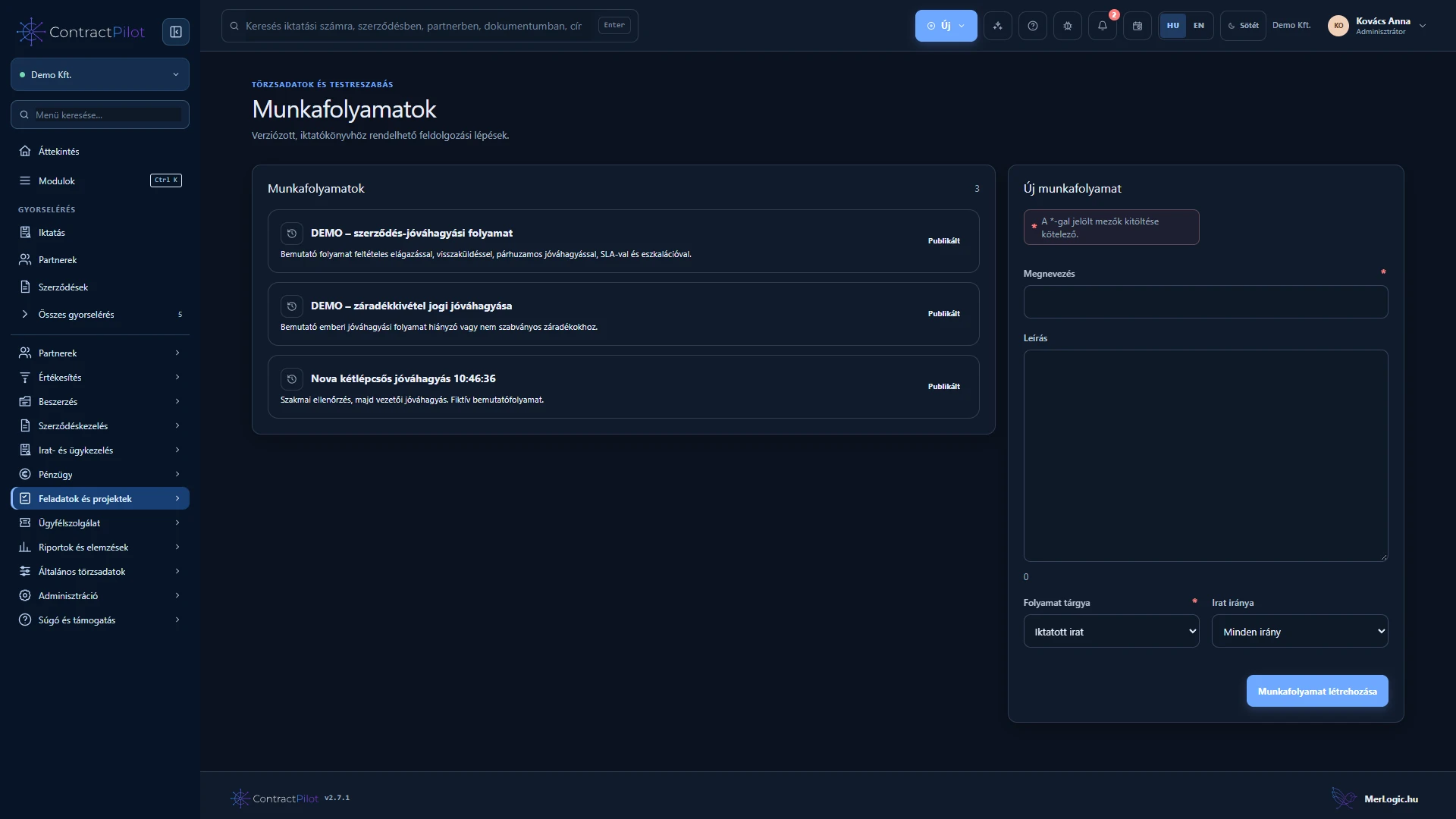
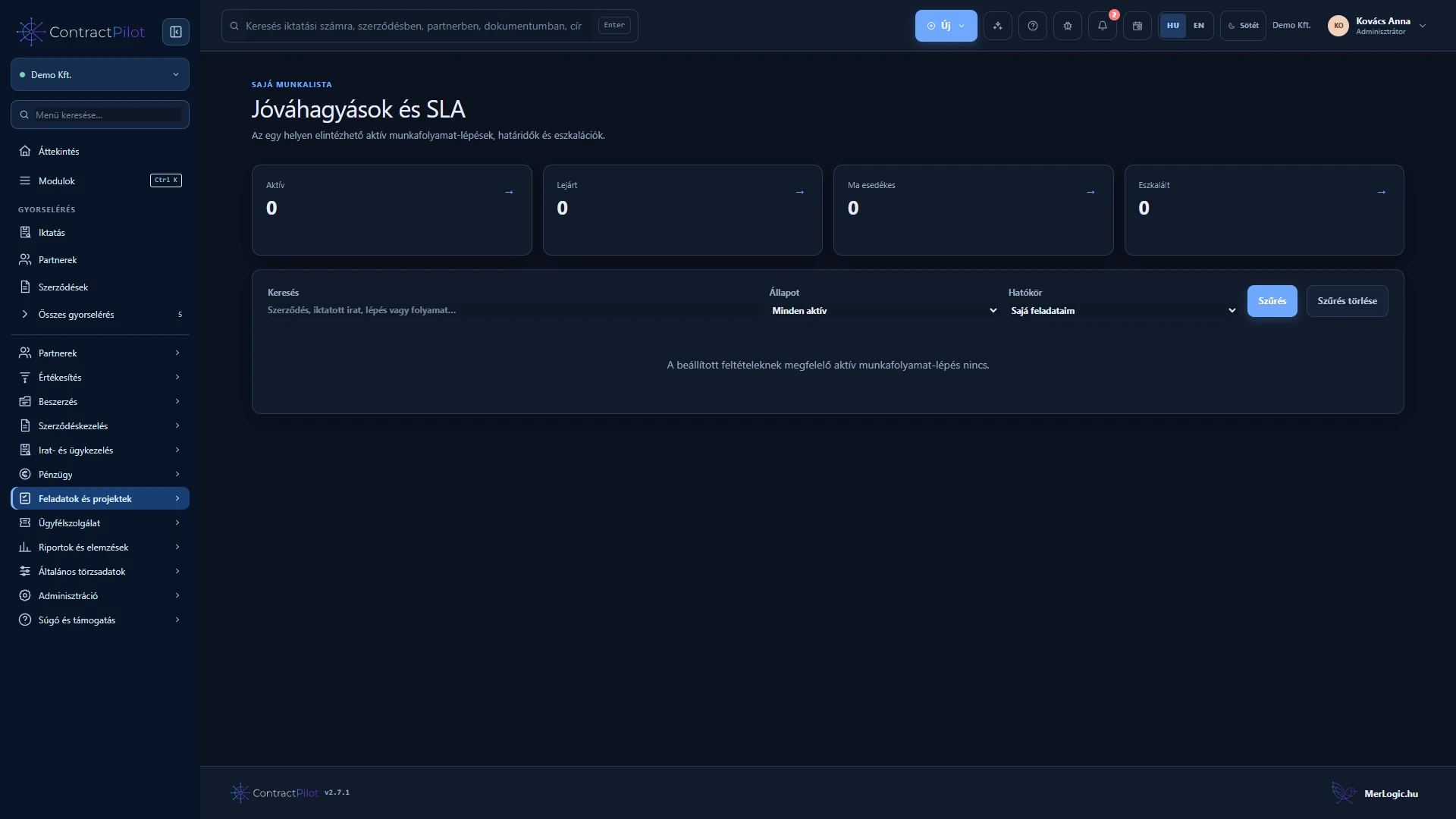
A workflow defines who reviews, who decides and how a business case progresses.
What can you do in this module?
- 01
Visual step sequences with draft and published versions.
- 02
Tasks assigned to people or access groups with responsibility rules.
- 03
Deadlines, priorities, completion or approval actions and required comments.
- 04
Return, permitted delegation, protected tasks and reminders.
- 05
Processes for contracts, registered documents and clause exceptions.
- 06
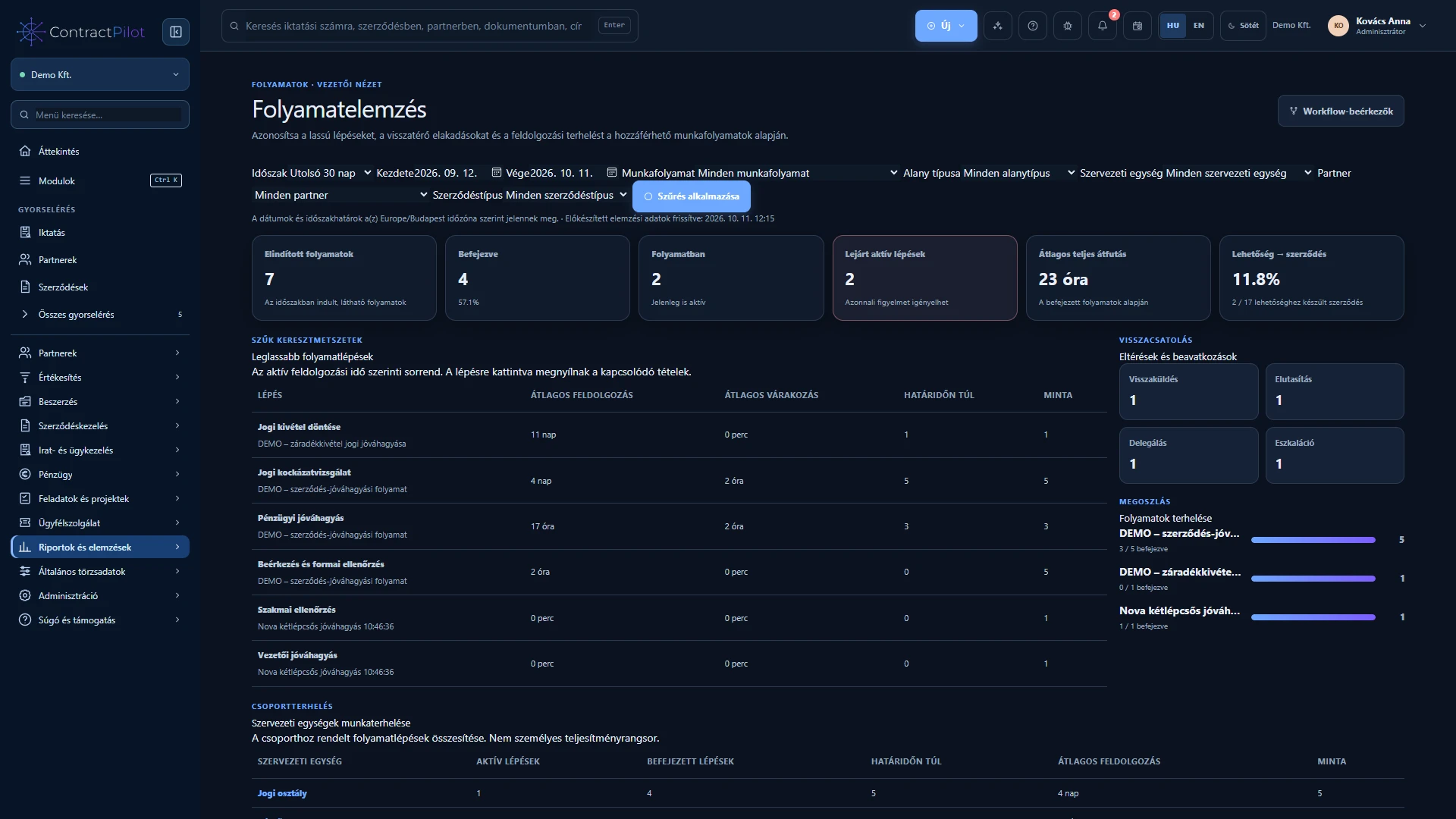
Preserved decisions and events, a shared work list and process analytics.
First define who needs to do what
A workflow contains a sequence of tasks. Responsibility can be assigned to a person, access group, designated business owner or the previous step’s performer. Configure each step’s deadline, priority, completion or approval action, and any required comment.
Publish an editable draft as a fixed version. A running process retains the version used at its start, so later configuration changes do not silently rewrite its history.
Approve, return or delegate
The assigned person opens the task, checks the connected information and takes the appropriate action. They can return work with a reason or delegate it when permitted. Steps and comments remain in chronological history.
A protected workflow task must be completed through its process step. A significant record or document change may restart approval according to the settings, keeping the final decision tied to current content.
Not limited to contracts
The same process management supports registered documents, clause exceptions and other business records. A shared work list shows personal and group tasks, while process analytics explains waiting time and bottlenecks.
Availability and operating conditions
Publish the workflow and configure the participants’ access before use. Automatic contract status changes depend on the selected process settings.
Available functions depend on your organisation’s setup and your permissions.