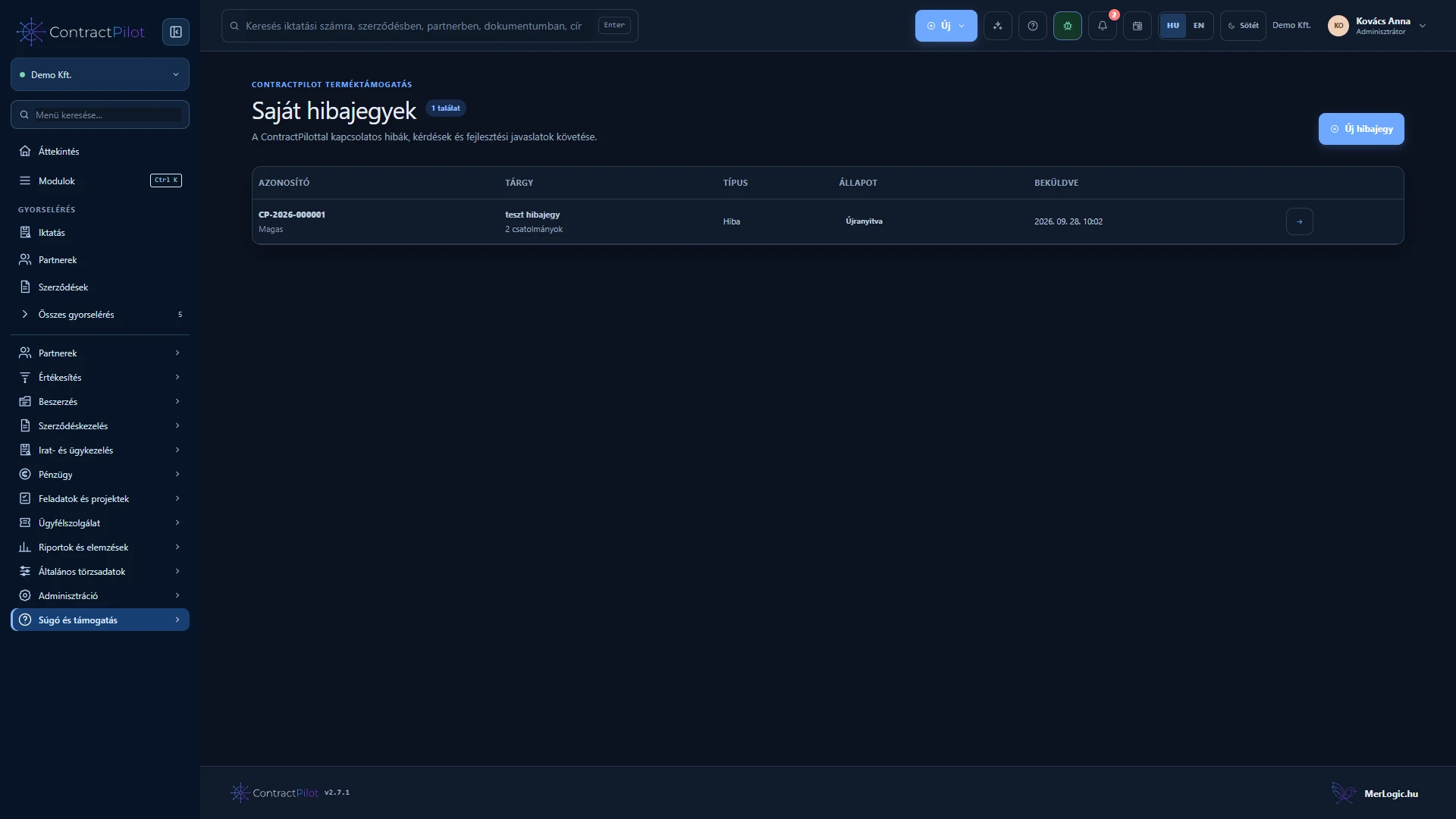
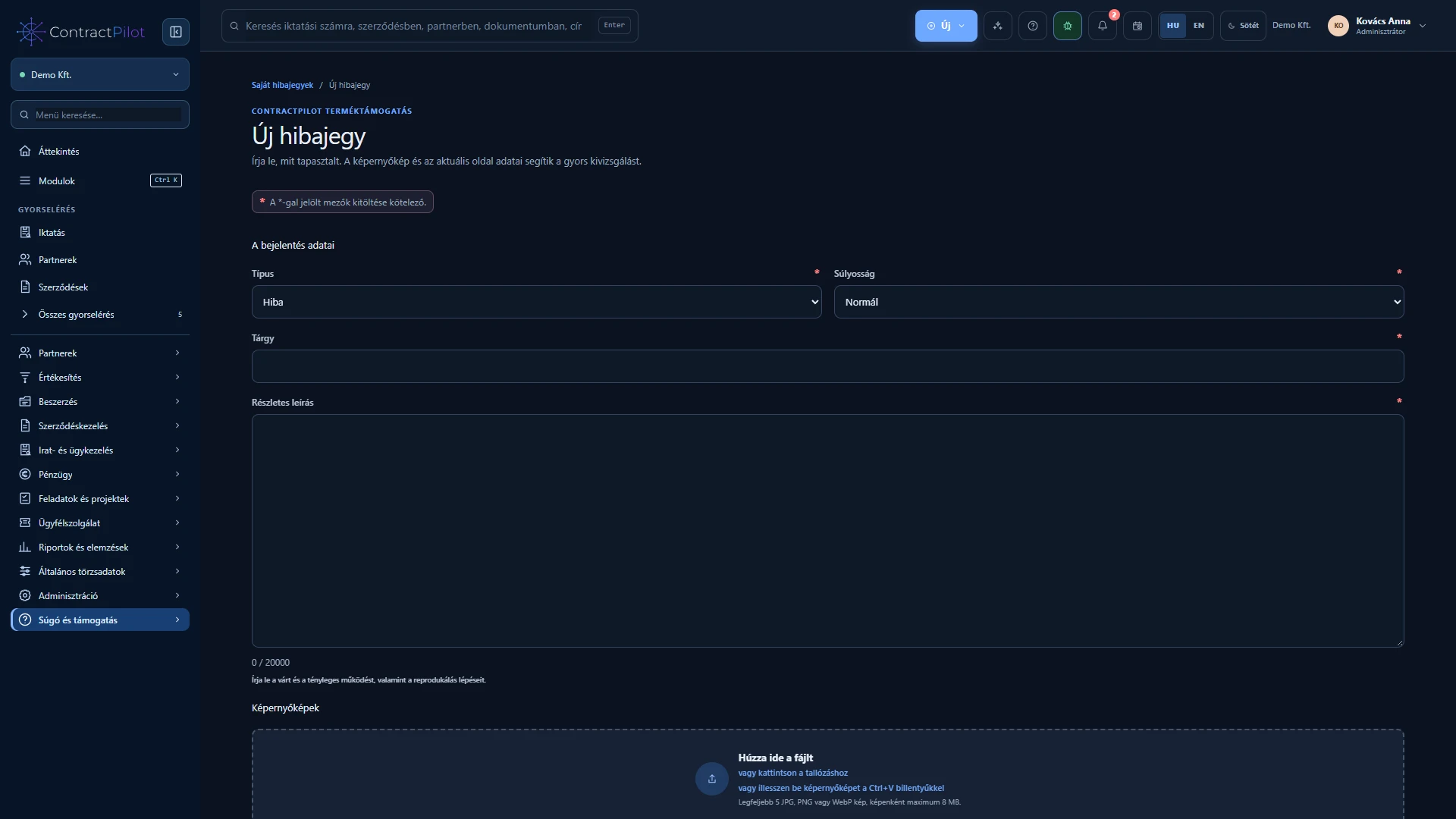
Report a problem with the application as a product support ticket, with screenshots and traceable replies.
What can you do in this module?
- 01
When should you use this area?
- 02
What should the ticket contain?
- 03
How can you follow the resolution?
When should you use this area?
My tickets is for reporting problems with the ContractPilot application. It is separate from Customer service, where your organisation manages contractual cases for its own partners. Choosing the correct area sends the issue to the right place.
What should the ticket contain?
Enter a subject, description, type and severity. Explain what action you took, what you expected, what happened and how to reproduce it. Attach up to five JPG, PNG or WebP screenshots. Remove unnecessary personal information and passwords from images.
You may optionally attach technical environment details. This feature does not send form contents, cookies or passwords. Attachments pass through protected uploads and malware checks.
How can you follow the resolution?
Reporters see their own tickets; organisational administrators see their organisation’s tickets. Follow replies, status and resolution, with in-app and permitted browser notifications. After closure you can submit one rating from 1 to 5 with a comment. Reopening with a reason is available for a limited time; afterwards, create a new ticket referring to the previous one.
Availability and operating conditions
Response terms are defined by your service agreement. This public product website does not receive or store support tickets.
Available functions depend on your organisation’s setup and your permissions.