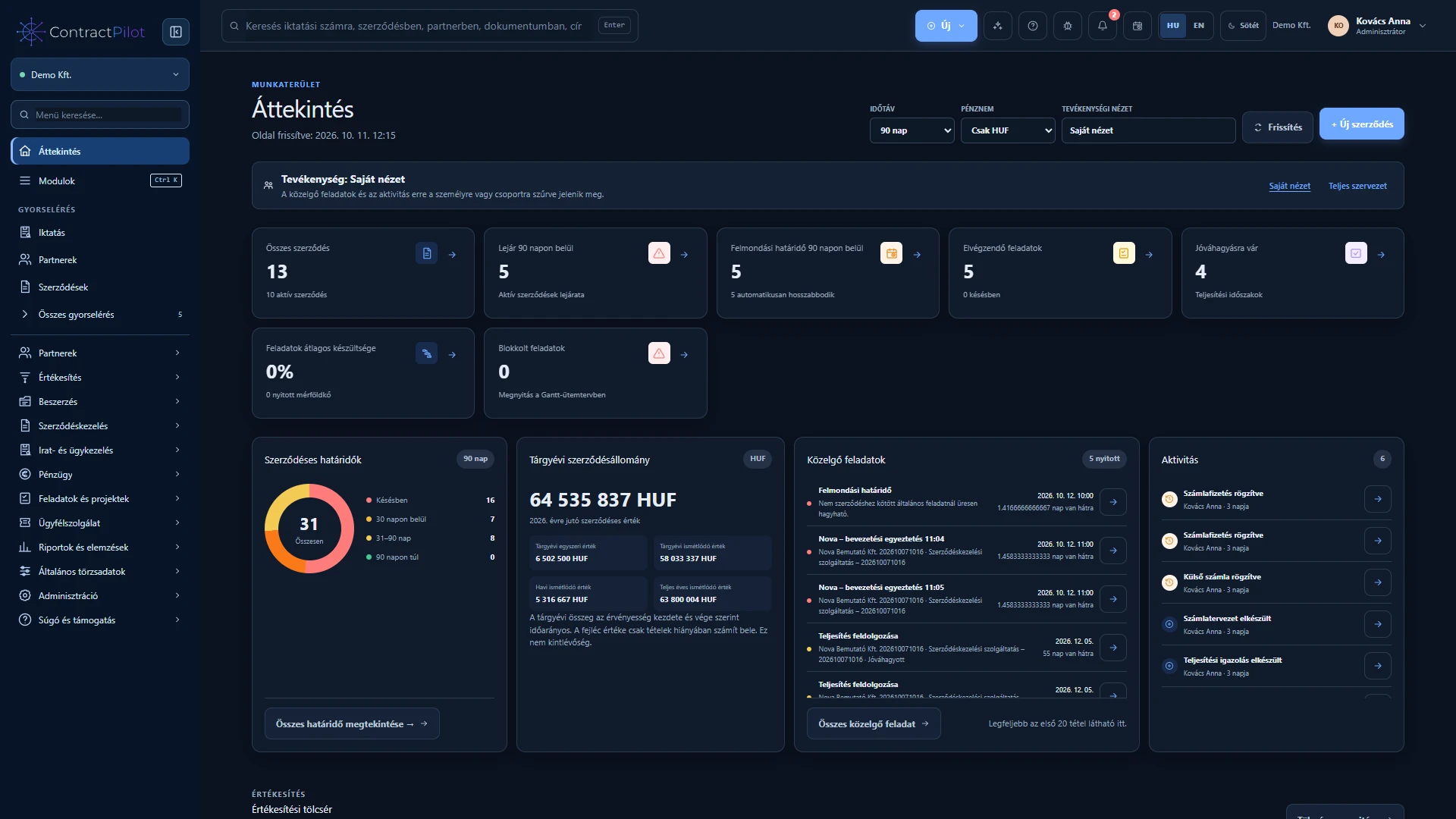
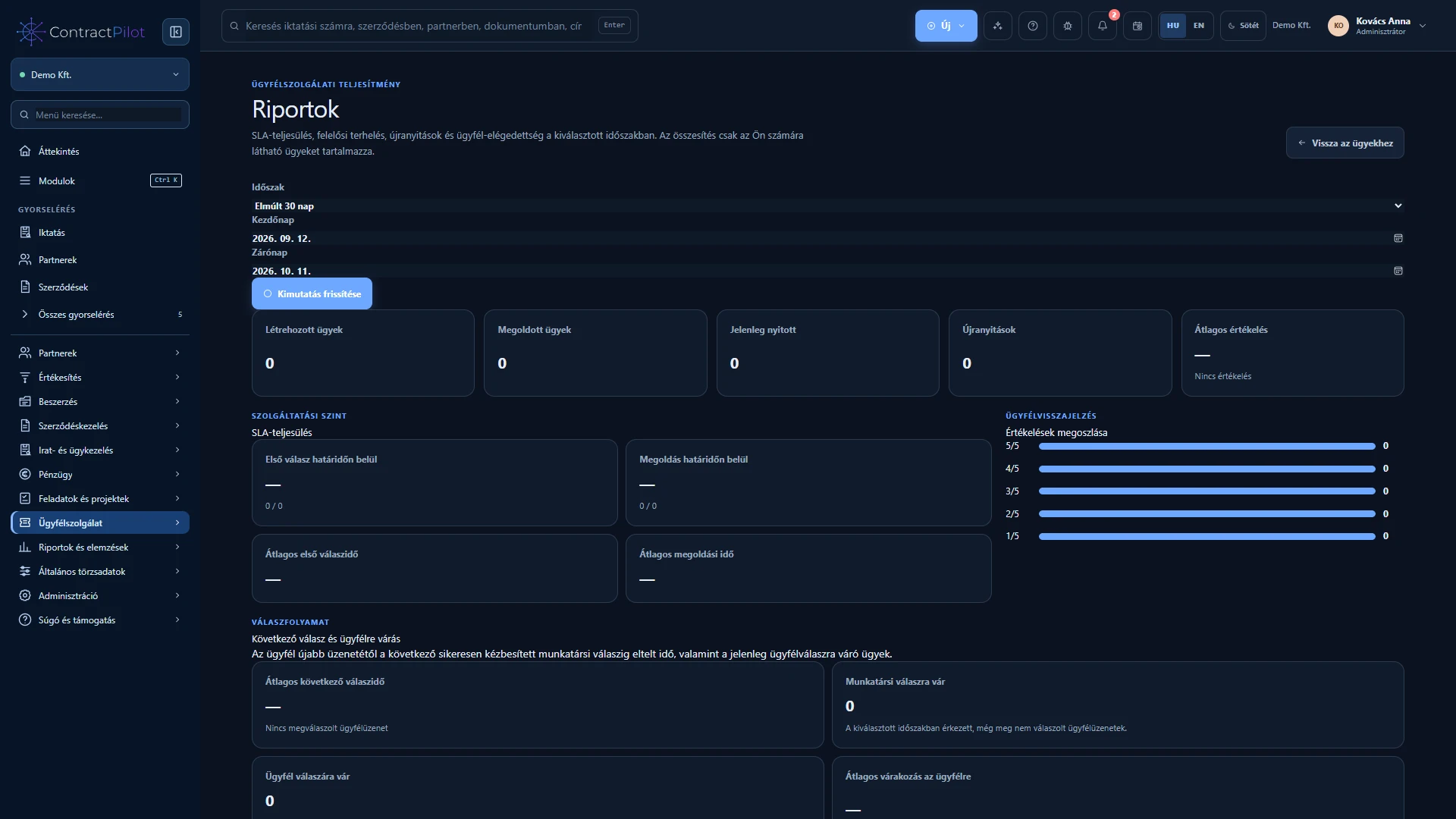
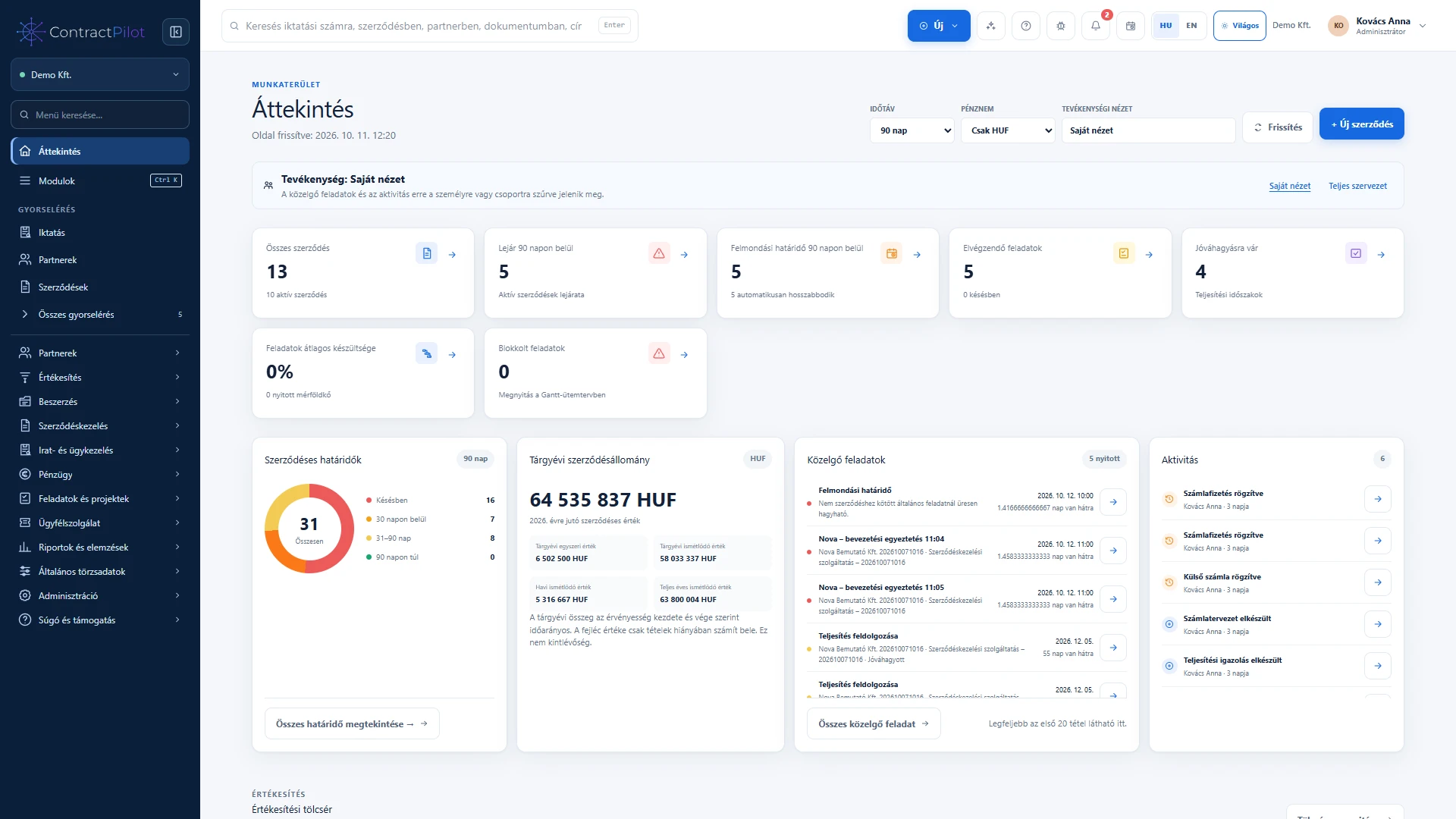
Metrics use recorded data that you are permitted to access, with direct links to the underlying worklists.
What can you do in this module?
- 01
Active and expiring contracts, notice periods, automatic renewals and items awaiting approval.
- 02
Open and overdue tasks, progress, milestones, blocked tasks and activity history.
- 03
Personal, selected-user, group or organisation views according to access.
- 04
Financial position: certified but unbilled items, invoices and payments in a chosen currency.
- 05
Received-versus-resolved service chart and open, due, breached and awaiting-response cases.
- 06
Period reports for SLA attainment, first and subsequent response times, resolution times, owner workloads, reopenings and customer ratings.
From an indicator to its underlying records
The overview connects contracts, sales opportunities, expected and won value, tasks, invoices and service status. Open the searchable, paginated detail list to understand what contributes to a figure.
Scope, currency and freshness
Choose personal, group or organisation views according to your access. Changing the period or currency changes the result. Check freshness indicators and refresh when needed. The separate process analytics view provides more detail on turnaround times and possible delays.
Custom reports in the Report centre
Alongside predefined Overview and service metrics, build your own reports. Select a source, related data, columns and conditions, then save the structure as a template. Enter actual search values when running it.
A shared template runs with each colleague’s own access. The Report centre and connected data guide explains related-list summaries and Excel export.
Availability and operating conditions
Reports respect the user’s permissions. Where a metric cannot be calculated, it does not display a misleading zero.
Available functions depend on your organisation’s setup and your permissions.