Permissions apply to lists, searches, reports and opening related documents.
What can you do in this module?
- 01
Join multiple organisations with one user account, separate memberships and roles.
- 02
Expiring, revocable invitations and active or inactive membership management.
- 03
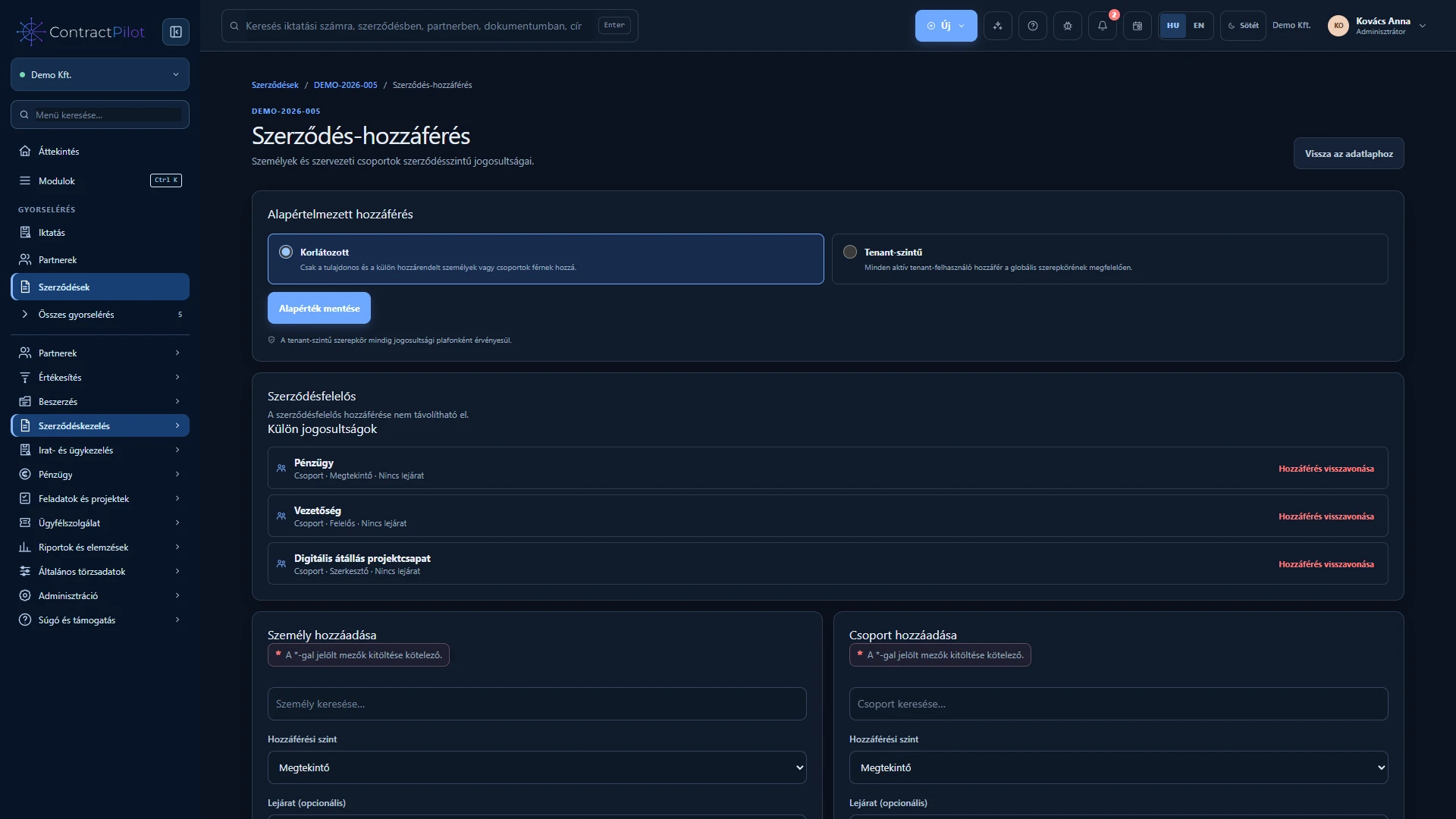
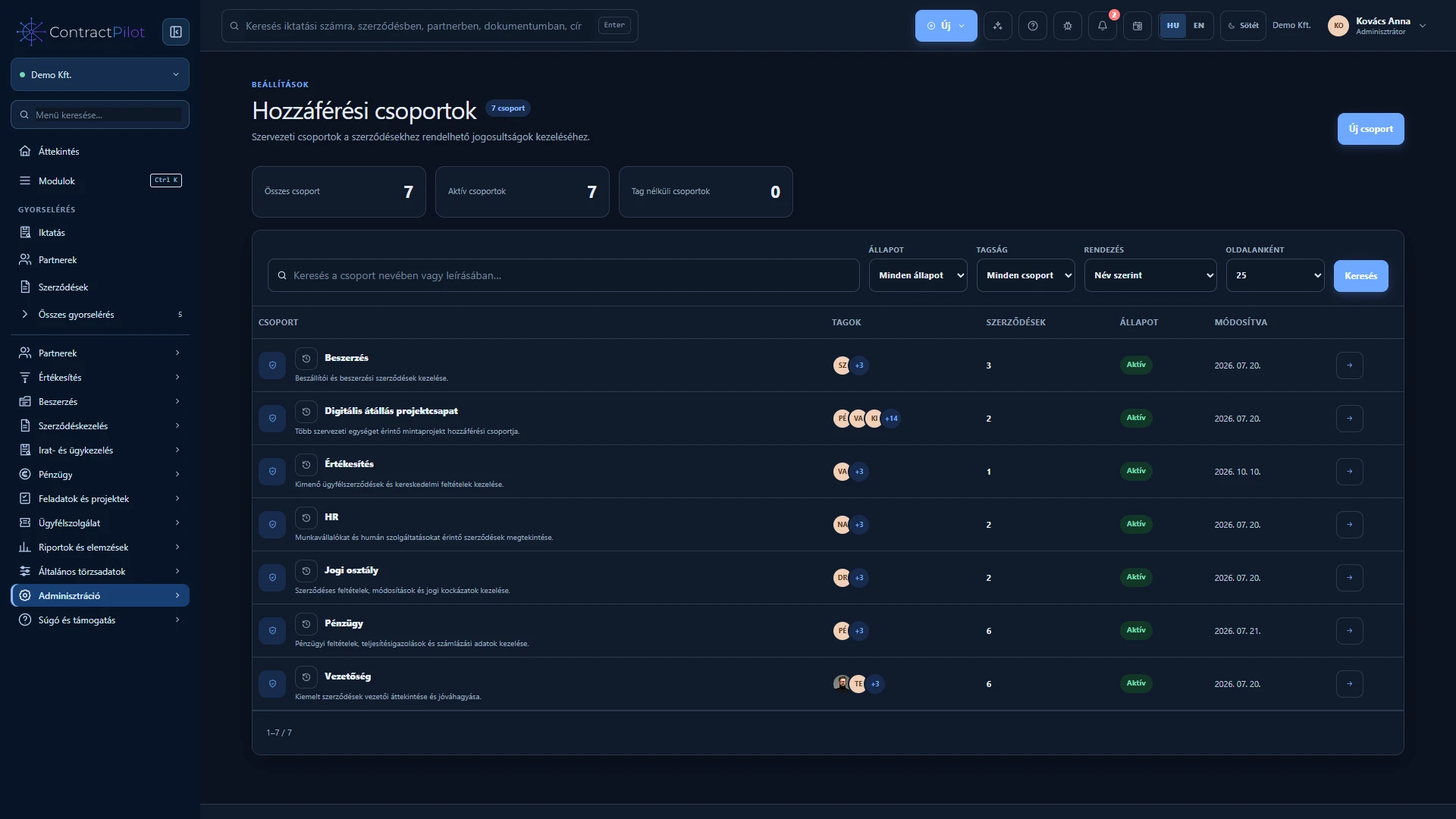
Viewer, editor and manager access, assigned to contracts directly or through groups.
- 04
Restricted documents, case files and service tickets with separate functional permissions.
- 05
Optional per-user two-factor sign-in with an authenticator app and recovery codes.
- 06
Important creation, change, access and decision events have traceable histories. Business data is stored separately for each organisation.
One account, multiple organisation workspaces
The same email account can participate in multiple organisations with separate memberships and permissions. Check which organisation is open before working. Invitations can expire, be revoked or be resent; access does not rely only on a forwarded link.
Information needed for the job
Contract access, group membership and action permissions jointly determine what you can see and change. Restrictions also apply to lists, totals, searches and assistant answers.
You can enable authenticator-based two-step sign-in with recovery codes for your account. Security changes can invalidate affected sessions. Organisation-wide mandatory two-step sign-in is not presented as an available feature.
Availability and operating conditions
An organisation-wide mandatory two-factor policy for users is a further development. Data separation does not replace defining your own access rules.
Available functions depend on your organisation’s setup and your permissions.