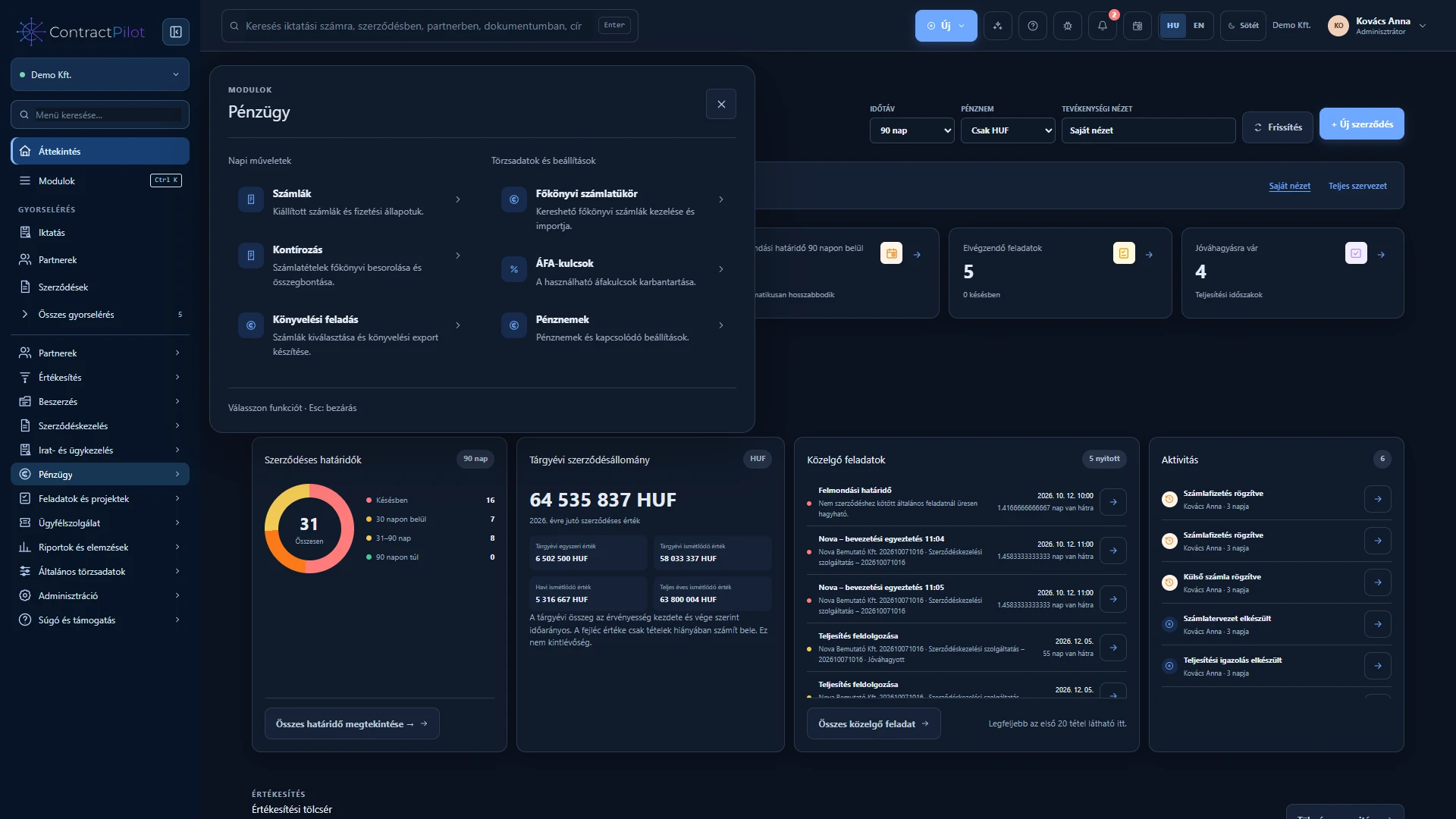
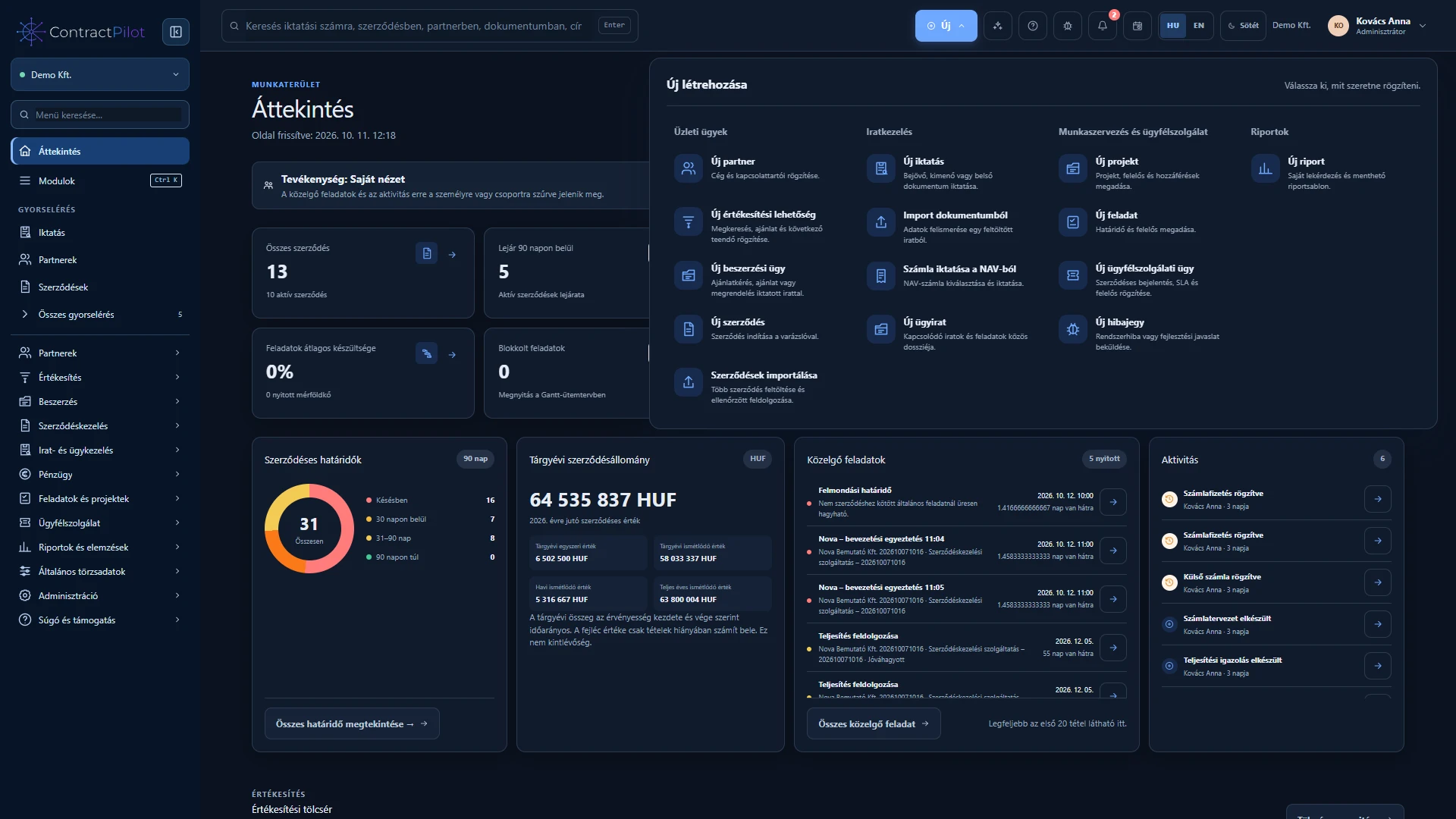
Expanded module menus distinguish everyday work from settings with short descriptions. The New menu brings record creation actions together.
What can you do in this module?
- 01
Permission-aware sidebar and mobile menus.
- 02
Start business cases, documents, tasks and reports from one menu.
- 03
Menu search, module selection and organisation quick access.
Find the right work area
Click a module name or icon in the sidebar to open its expanded menu. Daily actions are grouped separately from master data and settings, with short explanations for each function. Select another module to switch, or close the panel with Escape or its close button.
Menu search finds functions by name; Ctrl or Cmd plus K opens the module selector. A full-width panel and collapsible sidebar support mobile navigation.
Start new work and use quick access
The top New menu groups business cases, document management, work organisation and customer service, and reports. Start a new record here when you have its creation permission.
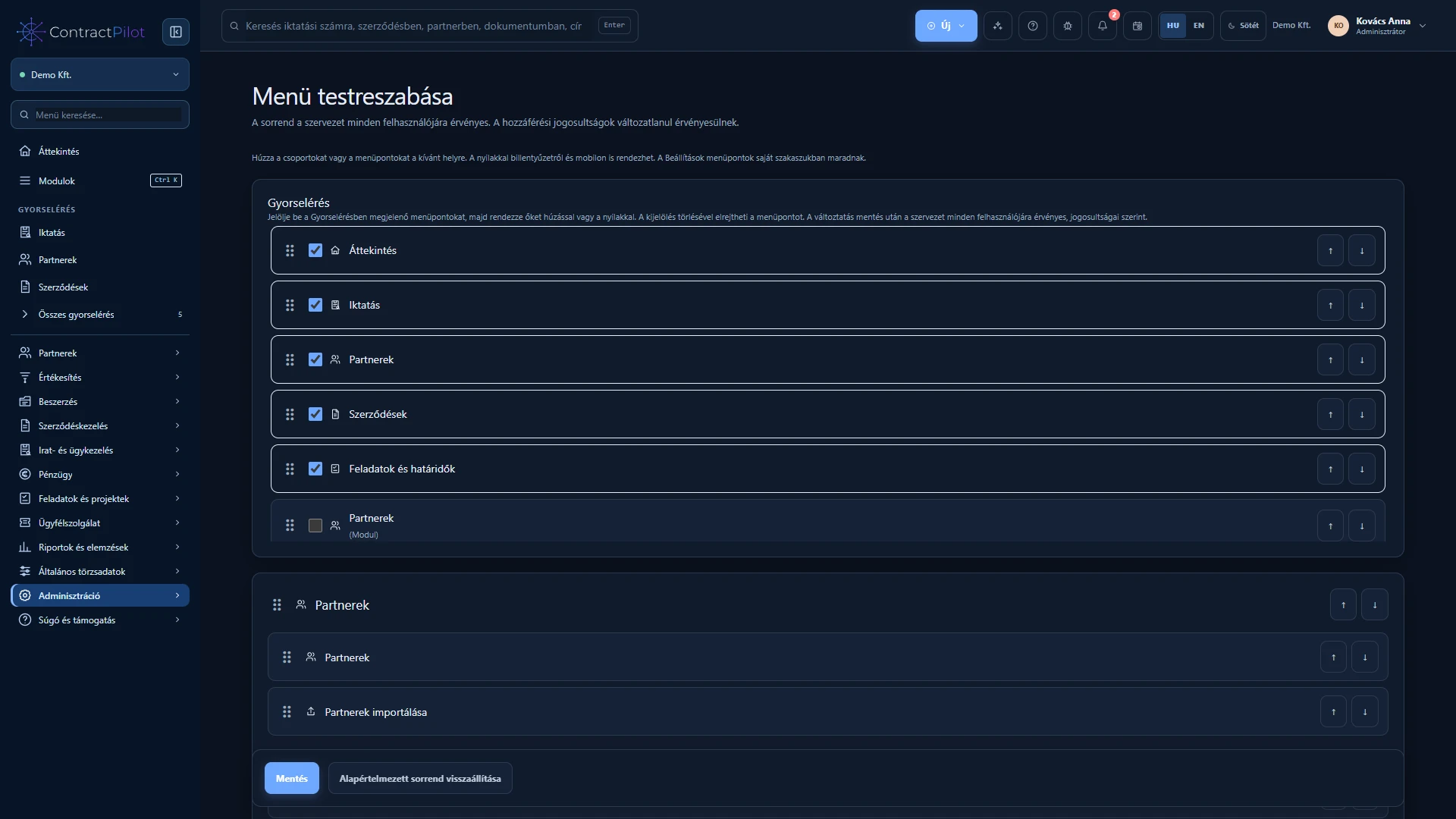
Quick access shows frequently used actions chosen for your organisation. All quick access opens the full configured list. The organisation administrator manages these choices.
Search and traceable history
Header search also covers registration numbers and processed document text. Long lists support search, filters and pagination, respecting your access.
The history icon shows retained creation and change events, the person responsible and the time. Edit longer notes in place. Closing a changed form prompts you to avoid losing unsaved work.
Availability and operating conditions
Only permitted functions and records are shown. Quick access is configured by the organisation administrator; it is not a personal favourites list.
Available functions depend on your organisation’s setup and your permissions.