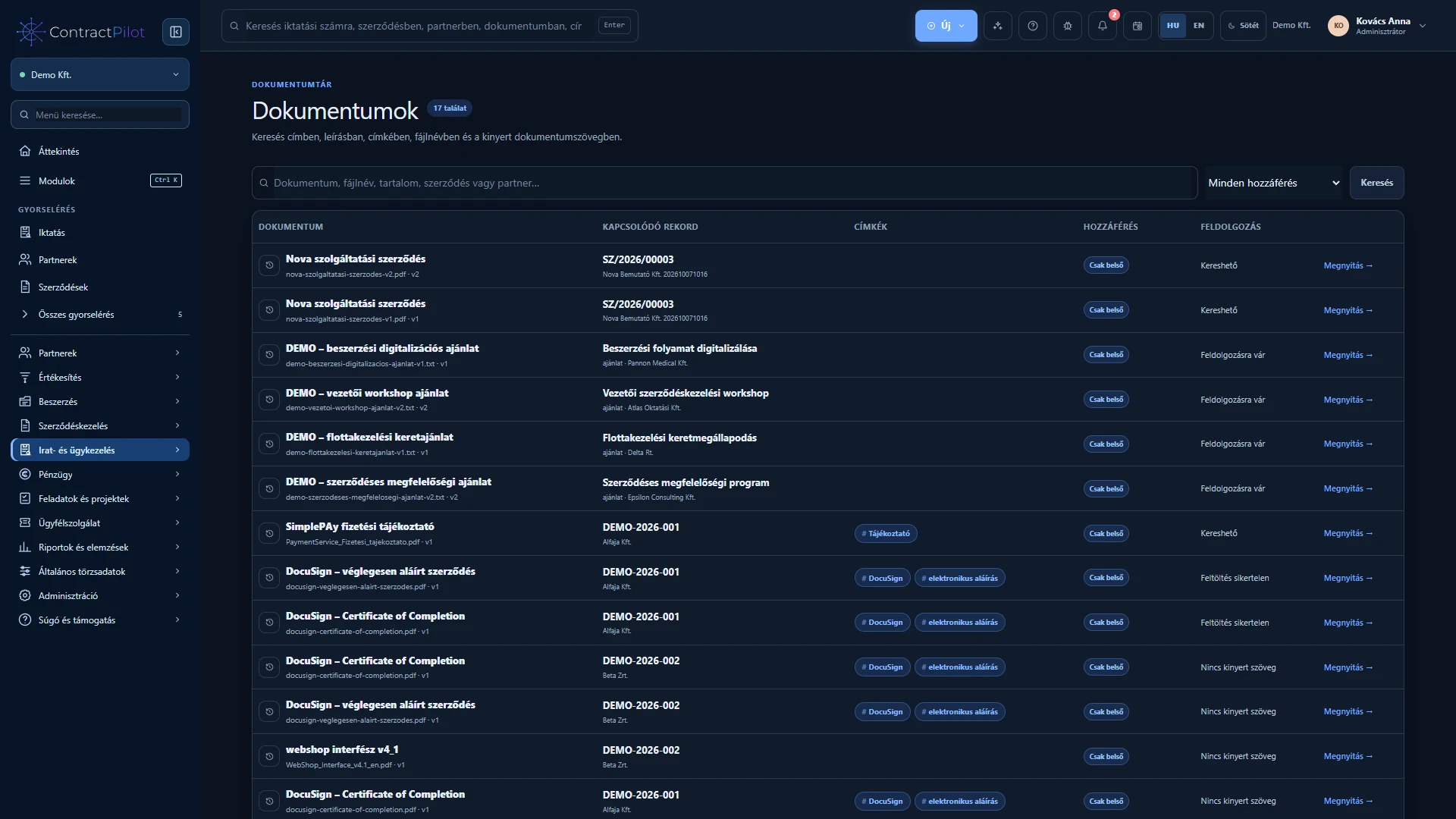
Find files by their content as well as their title. Track uploads, processing status and earlier versions.
What can you do in this module?
- 01
Manage PDF, DOCX, TXT, XLSX, RTF and supported images with titles, descriptions and tags.
- 02
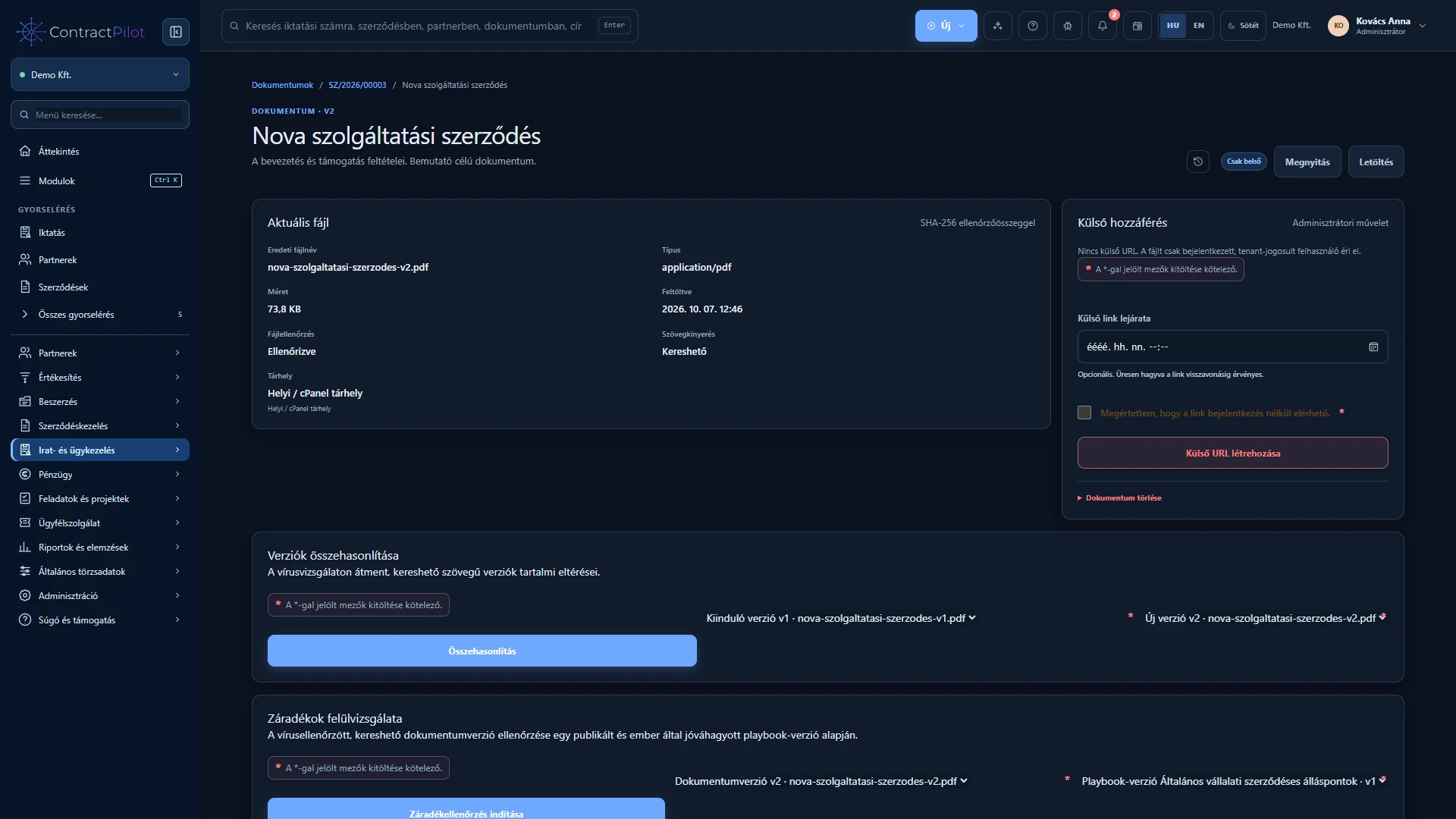
Earlier versions remain available. Upload progress is visible and interrupted uploads can resume with the same file.
- 03
Text extraction from supported office formats. Optional processing recognises text in PDFs and images in Hungarian and English.
- 04
Content search, processing status, duplicate checks and a virus-scanning workflow.
- 05
Documents are internal by default. Authorised administrators can create expiring, revocable external sharing links.
- 06
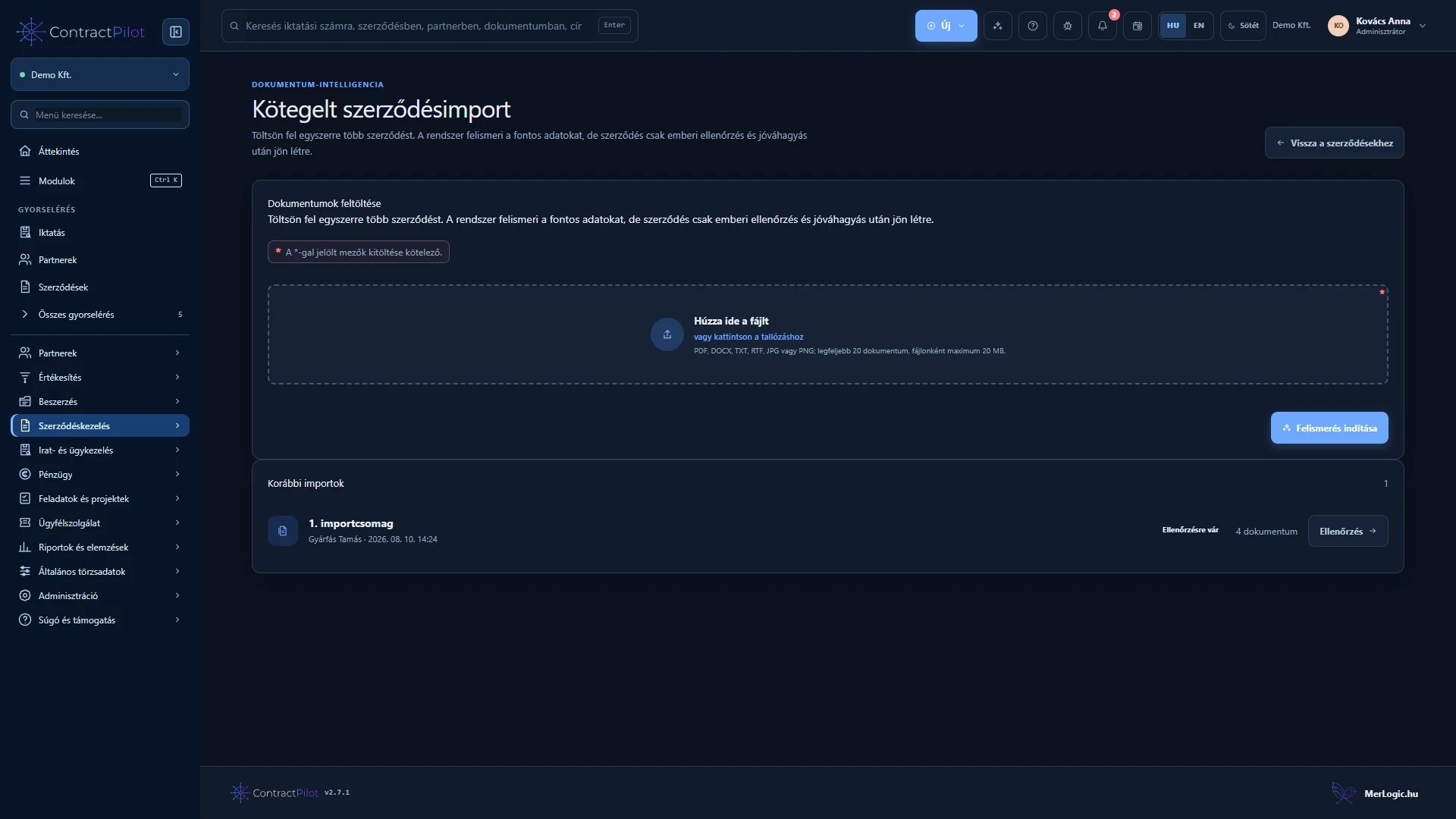
Optional batch contract import from up to 20 documents, with suggested fields, confidence indicators and human review before a contract is created.
An uploaded file is not immediately ready for use
Give the file a recognisable title, description and tags. Interrupted uploads can resume with the same file. The system checks uploads separately; follow the status and wait until the file is safe to use. Seeing its name does not mean that background checks have finished.
Versions and searchable content
Upload corrections as new versions so that earlier files remain available. Version information identifies what was reviewed or shared. Supported files can have text extracted; scanned images require enabled text recognition.
Recognition depends on image clarity and source quality. Batch contract import accepts up to 20 documents and suggests field values, but creates contracts only after your review. It is not unattended data entry.
Availability and operating conditions
PDF and image processing must be enabled separately. Recognition depends on source quality. Local OCR alone does not send the document to an external AI provider.
Available functions depend on your organisation’s setup and your permissions.