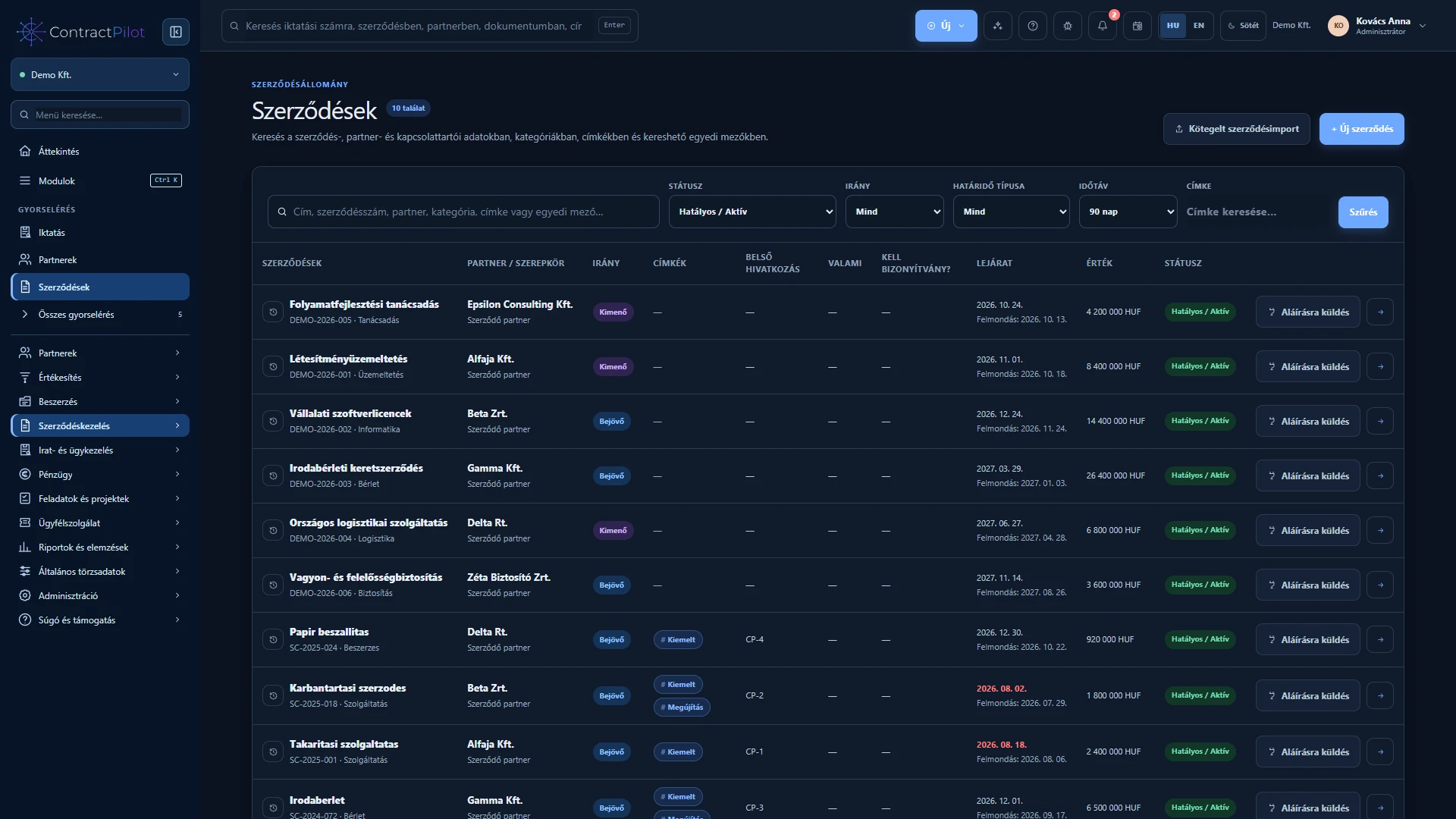
From draft agreement through amendments to closure, with a preserved history.
Numbering Amendments
Open details The contract connects partners, documents, tasks, service cases and financial performance.
Incoming and outgoing contracts, internal and partner references, and configurable automatic numbering. Record start, expiry, notice deadlines and automatic renewal, with checks that the dates are consistent. Controlled status transitions, explained closures and a chronological change history. Detailed feature guide Company details, locations, contacts and checked spreadsheet imports.
XLSX / CSV Import history
Open details Partner records support both contracts and customer service. A partner can have several locations and contacts.
Legal and short company names, addresses, tax identifiers, contact details, industry, active status and notes. Multiple locations and contacts, a primary contact and an overview of related contracts. XLSX and CSV imports with column mapping, trial validation, existing-partner matching and optional updates. Detailed feature guide Your organisation’s data structure, with conditional fields and versioned templates.
Conditional fields Impact review
Open details Adapt records to the information you need. Template changes can be reviewed while preserving the structure of earlier contracts.
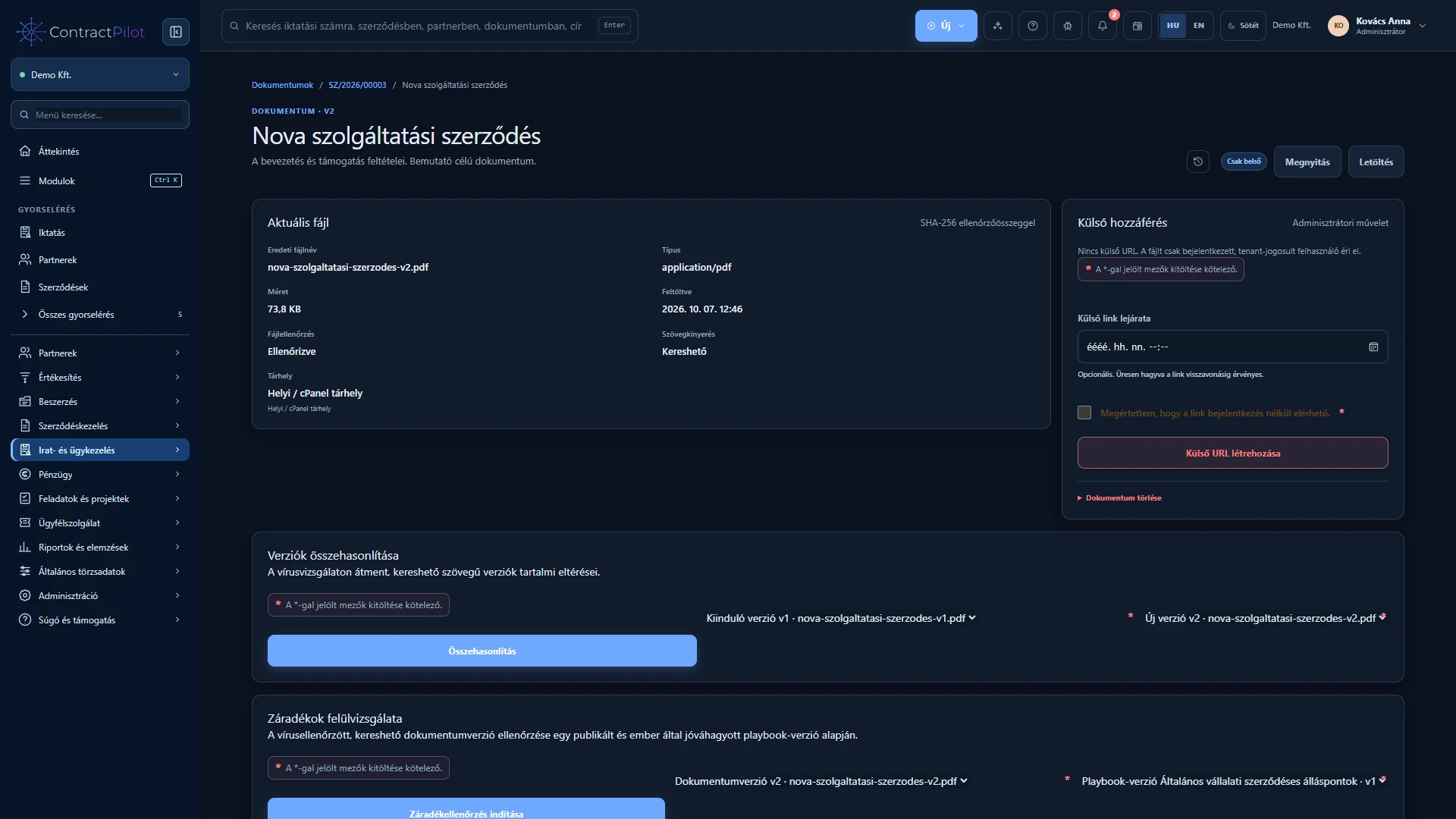
Text, long text, number, date and yes/no fields for contracts and partners. Configure required fields, searchability, list columns and active status. Add extra fields to an individual contract. One- or two-column field groups, default values and a default record template. Detailed feature guide Version history, resumable uploads, local text recognition and controlled sharing.
OCR Version history
Open details Find files by their content as well as their title. Track uploads, processing status and earlier versions.
Manage PDF, DOCX, TXT, XLSX, RTF and supported images with titles, descriptions and tags. Earlier versions remain available. Upload progress is visible and interrupted uploads can resume with the same file. Text extraction from supported office formats. Optional processing recognises text in PDFs and images in Hungarian and English. Detailed feature guide Incoming, outgoing and internal records, custom registers and linked replies.
Registers Reply chains
Open details Register documents independently or connect them to a partner, contract and case file.
Record direction, subject, external reference, dates, owner, deadline, priority, confidentiality and tags. Custom registers with automatic numbering and separate incoming, outgoing and internal sequences. Search record details and processed attachment content; filter by direction, status and deadline. Detailed feature guide Related records and tasks in one chronological working dossier.
Shared timeline Closure checks
Open details Follow an entire case’s documents and tasks with its own owner and deadline.
Start a case independently or from an existing registered document. Automatic reference, type, partner, contract, category, owner, priority and deadline. Attach existing records and register new documents directly from the case. Replies remain in the same case. Detailed feature guide Versioned sequences, assigned owners, deadlines and traceable human decisions.
Versioned workflow Sequential steps
Open details A workflow defines who reviews, who decides and how a business case progresses.
Visual step sequences with draft and published versions. Tasks assigned to people or access groups with responsibility rules. Deadlines, priorities, completion or approval actions and required comments. Detailed feature guide Personal and team tasks, recurring work and multiple reminder channels.
Calendar Web Push
Open details The worklist connects manual tasks with contractual, document and performance deadlines.
General or contract-related tasks with individual or group owners, priority, descriptions and attachments. Daily, weekly, monthly or annual repetition; completion creates the next instance and its reminders. Automatic expiry and notice reminders follow the contract’s dates and status. Detailed feature guide Timelines, milestones, prerequisites and connected tasks.
Dependencies Resource conflicts
Open details View planned durations and relationships on one timeline, and edit them with the appropriate permissions.
Planned start, deadline, percentage progress, milestones and parent/subtask relationships. Daily, weekly, monthly and quarterly scales, with task, description and contract search. Move and resize task bars directly on the chart, subject to access checks. Detailed feature guide Agreed and actual delivery, approvals and printable certificates.
Recurring items Approval
Open details Compare contractual commitments with actual delivery, then pass checked items to certification and invoicing.
Contract items with quantity, net unit price, currency and VAT rate. One-off, monthly, quarterly or annual recurrence and automatically generated due performance periods. Preserved historical terms: later price changes do not overwrite existing performance records. Detailed feature guide Invoice drafts, Számlázz.hu, partial payments and consolidated reporting.
Számlázz.hu MNB / ECB
Open details Continue from approved performance to invoicing, and track the invoice and payment status alongside the contract.
Create an invoice draft from approved performance on an outgoing contract, followed by manually approved issuance through Számlázz.hu. In-app invoice PDF viewing, downloads, invoice search and issuance history. Record and correct partial or full payments; track paid, partly paid, overdue and outstanding invoices. Detailed feature guide Connect requests, communication, service targets and billable work to the contract.
Case management Work logs
Open details Each service case identifies its partner and contract. Handling the request, replying and recording effort stay in one process.
Manual case creation and checked email intake, automatic references, status, priority and individual or group ownership. Separate customer-facing messages and internal notes; internal communication stays off the customer portal. Response and resolution commitments linked to contracts and service items, with traceable handovers and reopening. Detailed feature guide Business-hours deadlines, warnings and escalation to another owner.
Business calendar Escalation
Open details An SLA defines the first-response and resolution targets. The system tracks them against configured working days and holidays.
Configure response and resolution targets, time zone, working days, office hours and holidays. Use the contract’s default SLA, a service item’s policy or an authorised manual override. Commitments are preserved when a case starts; later policy changes do not rewrite an existing case. Detailed feature guide Replies, attachments and ratings without creating a separate customer account.
Protected access Satisfaction
Open details Customers follow and reply to their own case through an expiring link received by email.
An expiring, revocable portal link without a separate customer account. Only customer-facing messages and their attachments are visible; internal notes and work logs are excluded. Replies with multiple supported attachments and checked file processing. Detailed feature guide Contracts, finances, task progress and service metrics in a shared overview.
Management view SLA reports
Open details Metrics use recorded data that you are permitted to access, with direct links to the underlying worklists.
Active and expiring contracts, notice periods, automatic renewals and items awaiting approval. Open and overdue tasks, progress, milestones, blocked tasks and activity history. Personal, selected-user, group or organisation views according to access. Detailed feature guide Ask about the system and permitted business content, with linked sources.
Source links Semantic search
Open details The Hungarian and English assistant uses maintained help, permitted business data and, with separate consent, document content.
System guidance based on maintained bilingual product knowledge. Read-only lookups of permitted partners, contracts, tasks, invoices and signature requests. Keyword and meaning-based search across permitted document passages, including registered records. Detailed feature guide Searchable, task-based Hungarian and English guidance with downloadable manuals.
Practical guides PDF manuals
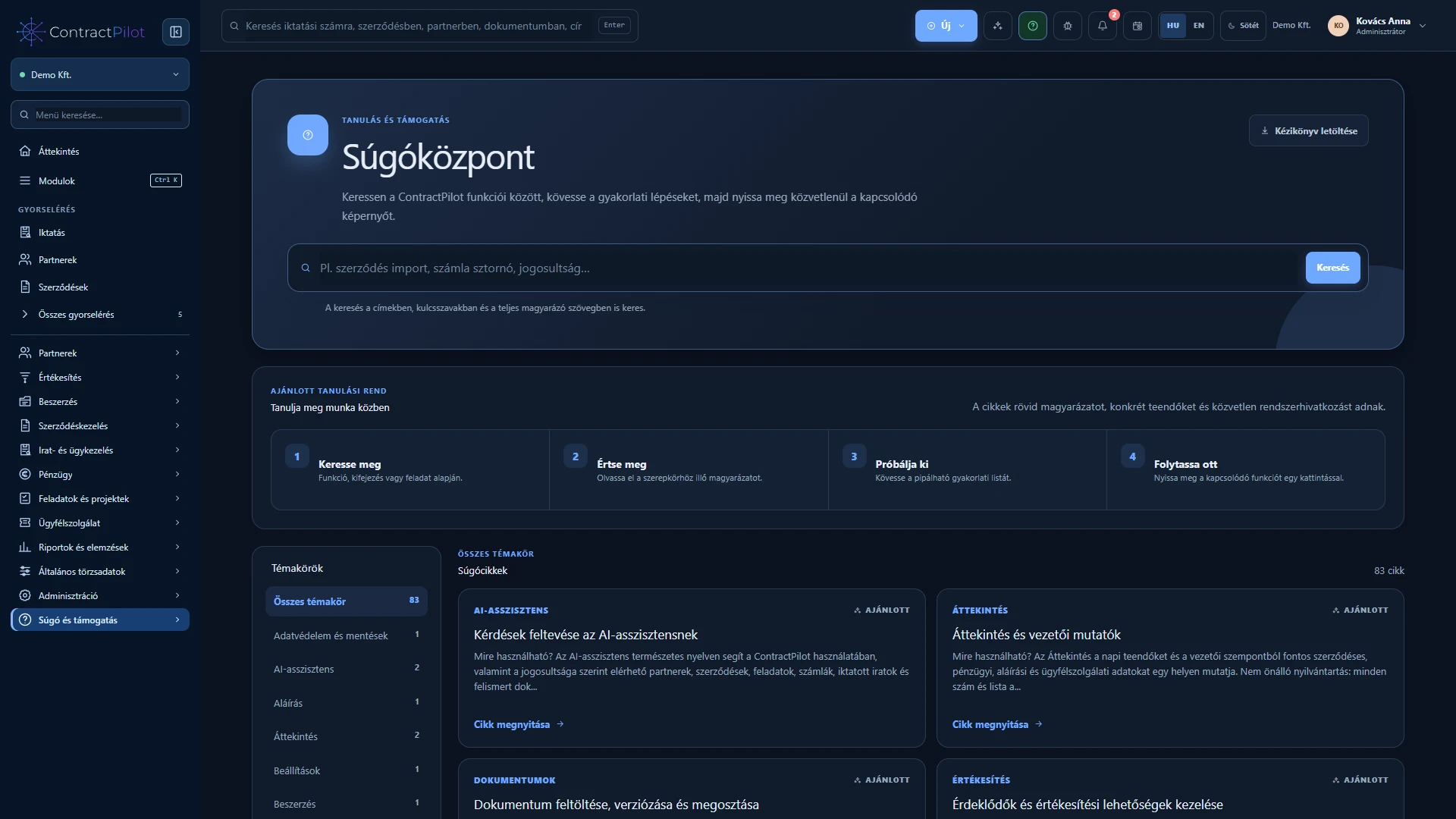
Open details Help starts with everyday tasks and explains the data, steps and permissions required to complete them.
Search titles, keywords and full content, with topic filters. Purpose, access requirements, required and conditional fields, and step-by-step instructions. Additional options, practical tips, common errors and solutions. Detailed feature guide Separated organisations, group permissions and traceable actions.
Multiple organisations Two-factor sign-in
Open details Permissions apply to lists, searches, reports and opening related documents.
Join multiple organisations with one user account, separate memberships and roles. Expiring, revocable invitations and active or inactive membership management. Viewer, editor and manager access, assigned to contracts directly or through groups. Detailed feature guide Provider-managed or organisation-owned document storage, controlled access and separately planned file backups.
Document location Backup
Open details Use ContractPilot in the provider’s environment, with customer-controlled document storage or as a complete own-server deployment.
Cloud: application, business data and private documents are in the provider’s environment. Own storage: document files can stay on your supported SFTP storage while the application runs in the provider’s environment. Own server: application, database and documents run on customer infrastructure with operator-led setup. Detailed feature guide DocuSign signing, signer order and retrieval of the completed document.
DocuSign Status tracking
Open details Send a selected contract PDF version for signing through your organisation’s own DocuSign account.
Connect your own DocuSign account with separate test and production environments. A prepared PDF version, generated signature page and up to ten sequential email signers. Send and track signature requests, with cancellation subject to permission. Detailed feature guide Personal proposal emails, a shared service mailbox and separately configured invoicing and signing connections.
Microsoft 365 Gmail
Open details Personal outgoing mail and the organisation’s shared service mailbox serve different purposes. Invoicing, signing and calendar subscriptions connect to their respective workflows.
SMTP/IMAP, Microsoft 365 or Google Workspace / Gmail connections for an individual mailbox, with one active mail mode at a time. Outbound replies and incoming email in a shared case thread, with sender checks and duplicate detection. Automatic creation and acknowledgement for unambiguous entitlements; manual review and assignment for uncertain messages. Detailed feature guide Record an enquiry before a contract exists and track its owner, expected value and next action.
Sales stages Next action
Open details Record an enquiry before a contract exists and track its owner, expected value and next action.
What should you record at the first enquiry? How does the opportunity progress? How does it become a contract? Detailed feature guide Versioned PDF or Word proposals, expiring customer links, delivery tracking and recorded acceptance or rejection.
Proposal versions Customer decision
Open details Versioned PDF or Word proposals, expiring customer links, delivery tracking and recorded acceptance or rejection.
Upload and preserve the sent version Delivery and recipient verification What happens when the customer decides? Detailed feature guide Share the intended document version with a partner while keeping internal notes and approval information separate.
Document versions External review
Open details Share the intended document version with a partner while keeping internal notes and approval information separate.
Prepare the version intended for the partner Review and revise What is visible externally, and what still needs internal review? Detailed feature guide Check your organisation’s expected contract terms, with human review and justified exceptions.
Clause rules Exception approval
Open details Check your organisation’s expected contract terms, with human review and justified exceptions.
What is a clause library? How should a finding be interpreted? When does an exception need approval? Detailed feature guide See where work is waiting, how long processes take and which active cases need attention.
Turnaround times Delay forecasts
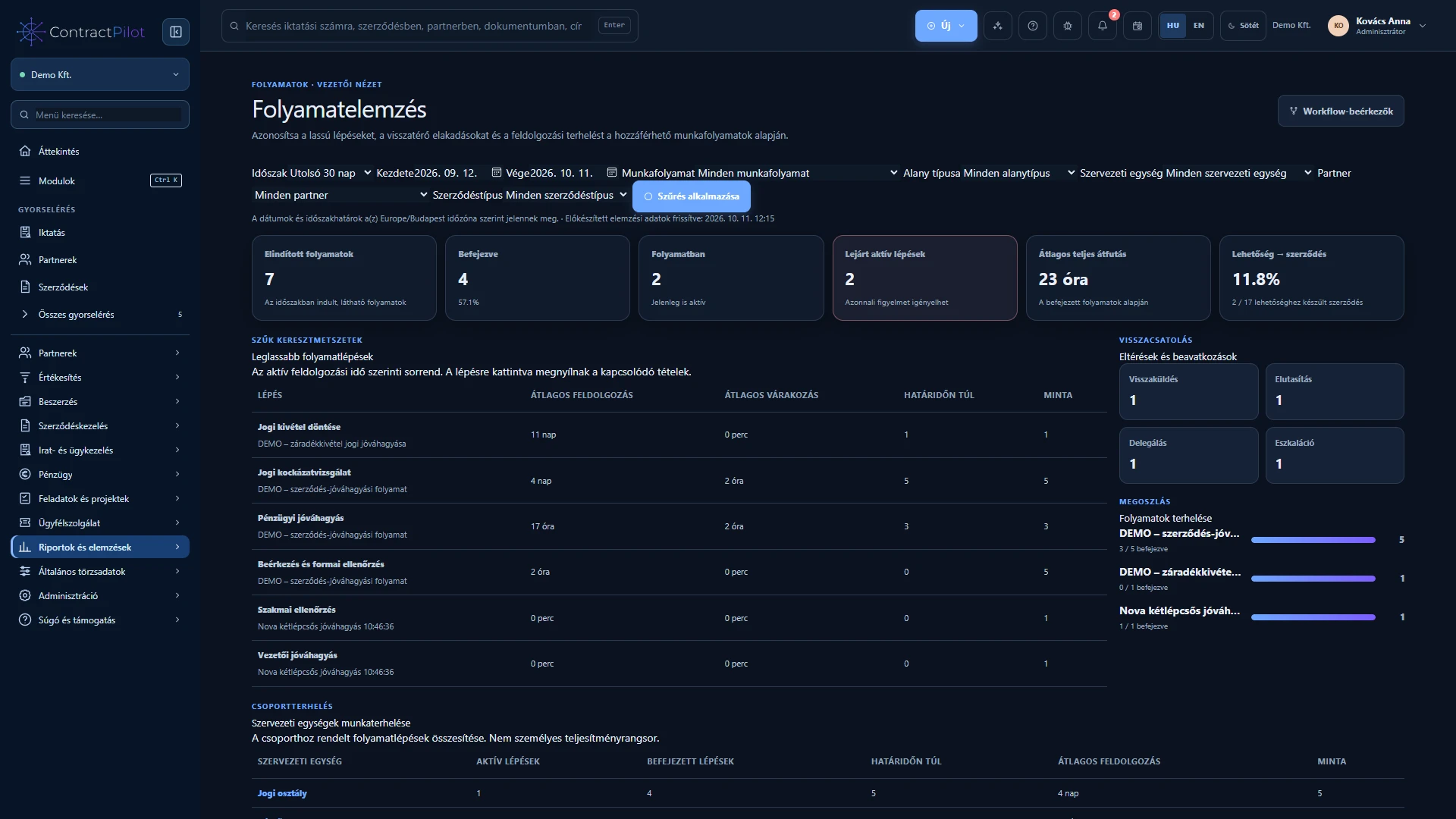
Open details See where work is waiting, how long processes take and which active cases need attention.
From a total to the underlying case Filter for the question you need to answer What does a delay estimate mean? Detailed feature guide Configured business events can trigger tasks, notifications or status changes.
Events and actions Notifications
Open details Configured business events can trigger tasks, notifications or status changes.
What can an automation do? What happens if an event repeats? What remains a human decision? Detailed feature guide Report a problem with the application as a product support ticket, with screenshots and traceable replies.
Report application issues Feedback
Open details Report a problem with the application as a product support ticket, with screenshots and traceable replies.
When should you use this area? What should the ticket contain? How can you follow the resolution? Detailed feature guide Track requirements, supplier quotations, reasoned selection and complete purchase orders, connected to registered documents.
Itemised requirements Quotation comparison
Open details Procurement keeps the requirement, each supplier’s offer, the reason for selection and the resulting purchase order together in one case.
Start from a registered document in four guided steps. Manage quantities, unit prices, tax and currency by line. Connect multiple quotations, decisions, orders and supplier contracts. Detailed feature guide Organise shared work into phases and track tasks, milestones, estimated hours and actual effort.
Project templates Planned and actual hours
Open details A project gives the team’s tasks and related business documents a shared context. Project views and personal worklists use the same task records.
Leaders, teams, phases, milestones and dependencies. List, Kanban, Gantt and calendar views of the same work. Hour estimates, daily time entries and permission-controlled Excel reports. Detailed feature guide Build your own reports, connect business records and share reusable templates within each user’s permissions.
Shared templates Excel export
Open details The five-step report wizard lets you choose the lists and summaries you need. Try a report without saving it, then reuse its structure with different search values.
Selectable columns, AND/OR conditions, sorting and summaries. A relationship map and independently summarised related lists. Share templates with people and groups, with protected XLSX downloads. Detailed feature guide Prepare line-level account allocations for incoming and outgoing invoices and export checked accounting data.
Split allocations Accounting export file / CSV
Open details The finance worklist identifies invoice lines with missing accounting details. Line-level allocation helps prepare costs and revenue for accounting.
Split an invoice line across several ledger accounts. Search the chart of accounts and preview imports. Filter accounting exports by incoming or outgoing direction. Detailed feature guide Find daily actions, start new work and search business records you are permitted to access.
Menu search Ctrl / Cmd + K
Open details Expanded module menus distinguish everyday work from settings with short descriptions. The New menu brings record creation actions together.
Permission-aware sidebar and mobile menus. Start business cases, documents, tasks and reports from one menu. Menu search, module selection and organisation quick access. Detailed feature guide