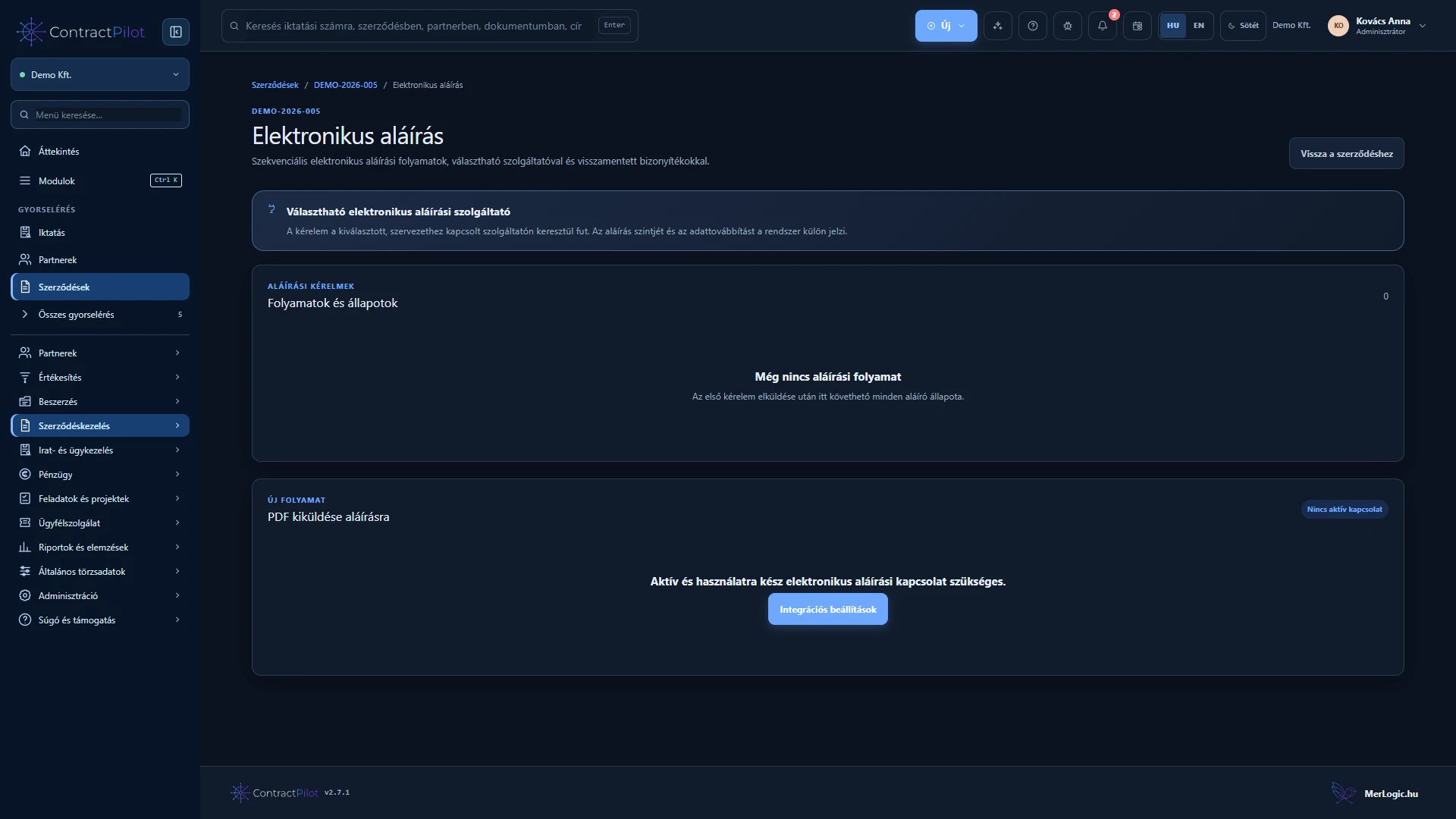
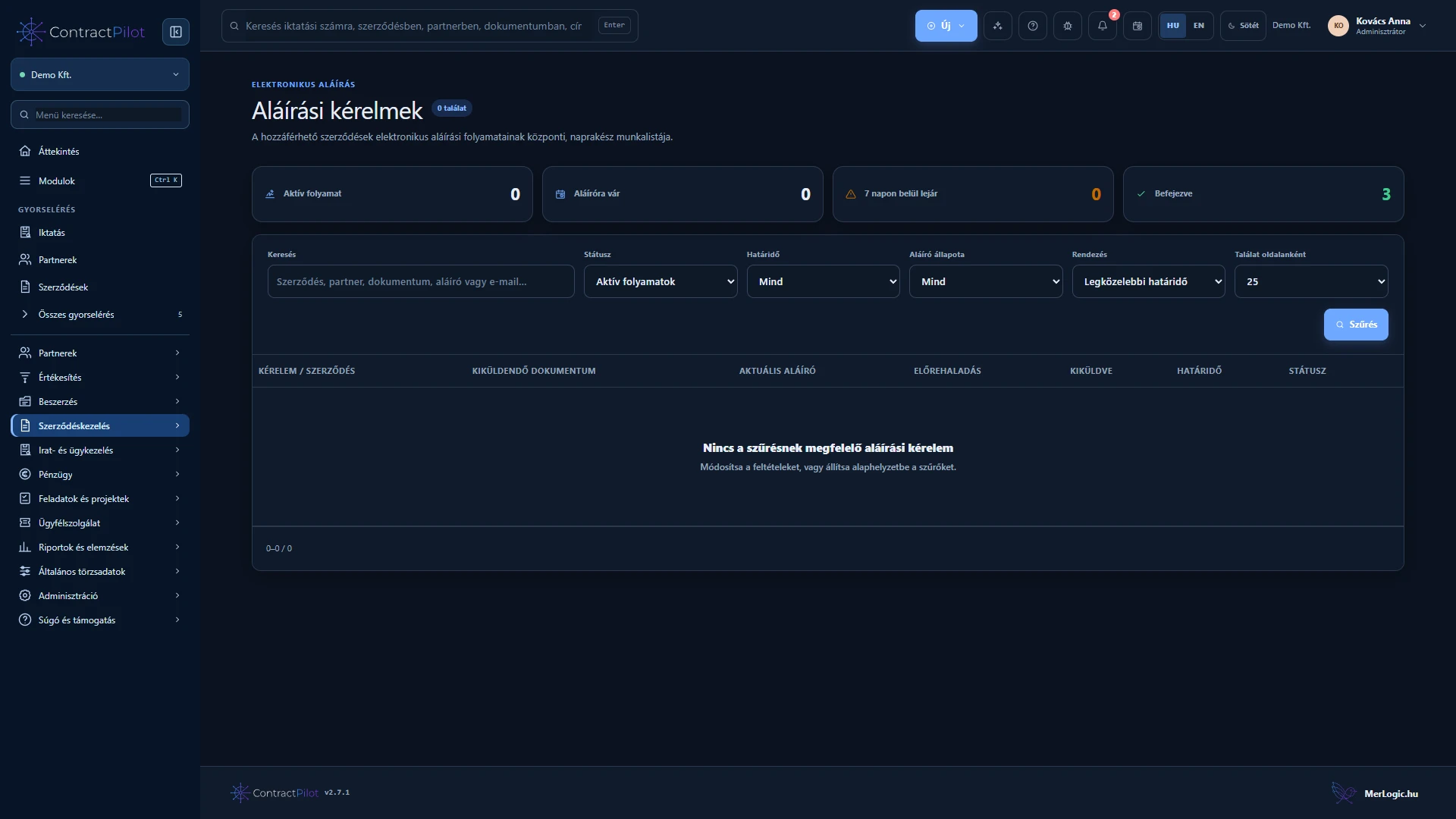
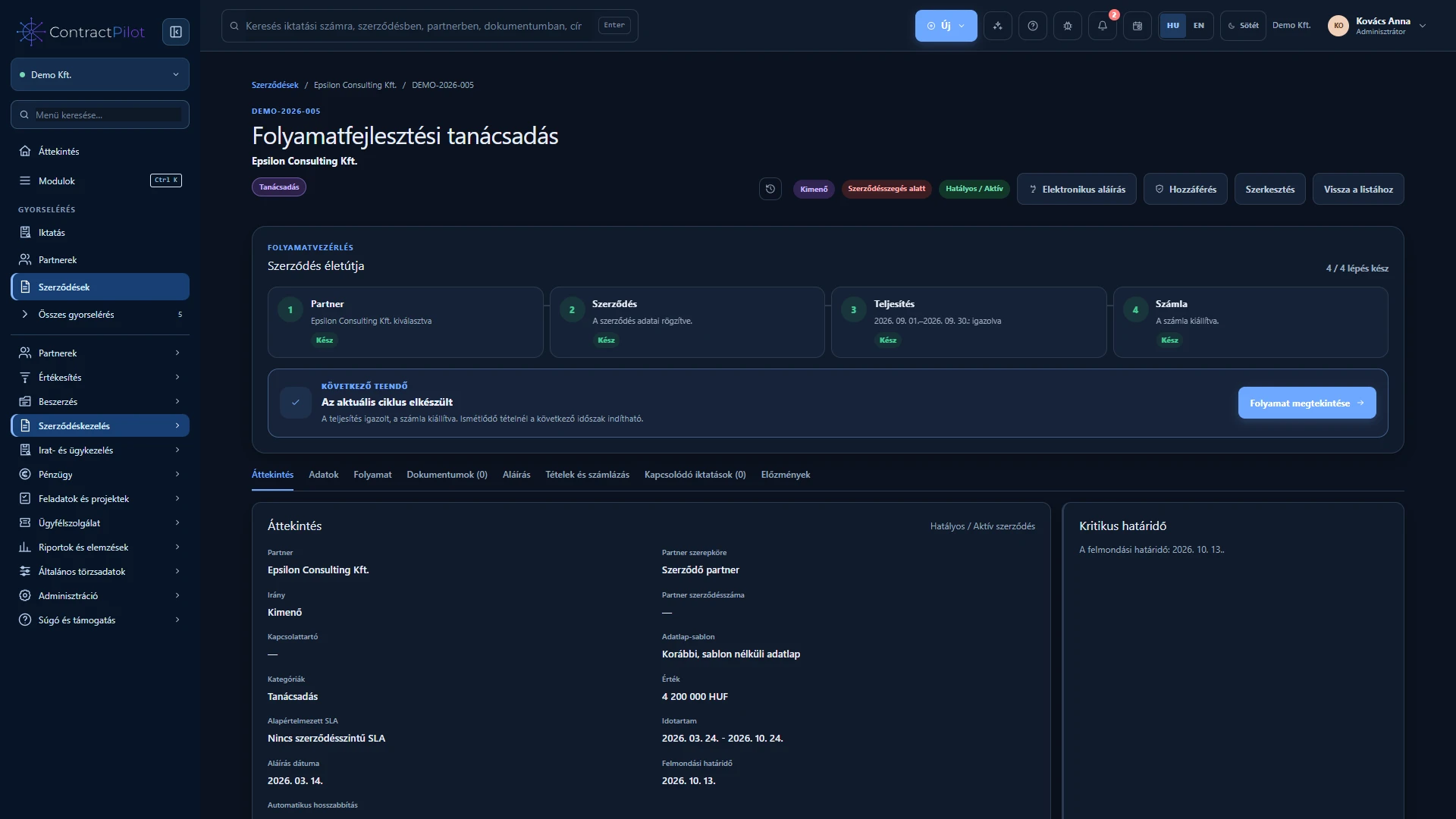
Send a selected contract PDF version for signing through your organisation’s own DocuSign account.
What can you do in this module?
- 01
Connect your own DocuSign account with separate test and production environments.
- 02
A prepared PDF version, generated signature page and up to ten sequential email signers.
- 03
Send and track signature requests, with cancellation subject to permission.
- 04
Track rejection and expiry, with periodic status reconciliation.
- 05
Save the completed PDF and DocuSign Certificate of Completion back to the selected document storage.
- 06
Contract access and separate sending permissions, with explicit acceptance of the data transfer.
Check before sending
Signing concerns the final, checked PDF version. Review partner details, internal approval, unresolved clause exceptions and signer order. The current connector uses your organisation’s own DocuSign account, with separate test and live configuration.
Follow the request after sending
Signers receive the document in the specified order. Sent, declined, expired and completed states remain trackable. On completion, the signed PDF and DocuSign Certificate of Completion return to document storage. This signing process is distinct from accepting a proposal on its decision page.
Availability and operating conditions
The connector is implemented. Production use requires your own DocuSign account, provider activation and onboarding tests. The PDF is transferred to DocuSign. The current workflow is not qualified electronic signing; QES and NETLOCK are not presented as active capabilities.
Available functions depend on your organisation’s setup and your permissions.