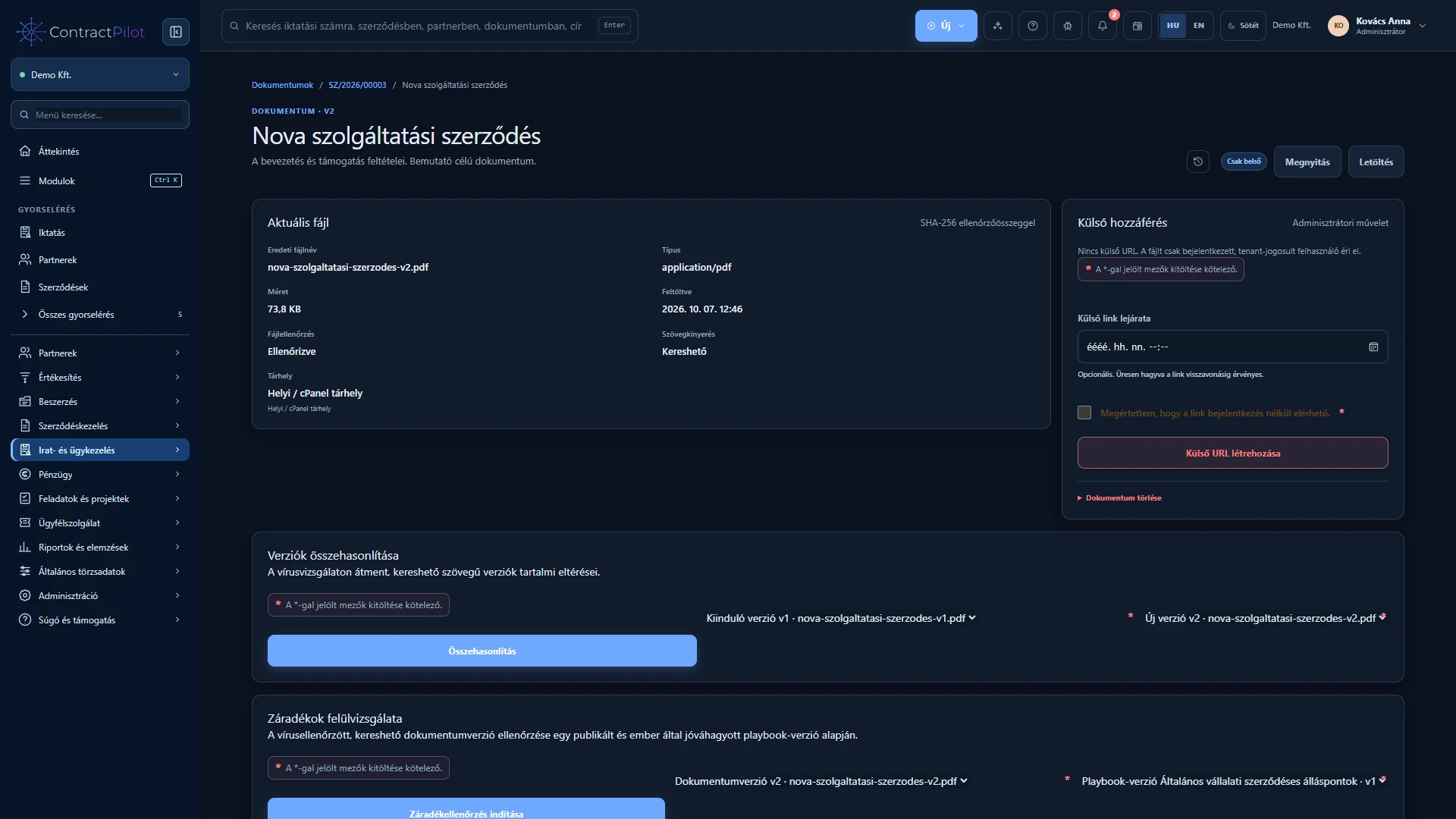
Share the intended document version with a partner while keeping internal notes and approval information separate.
What can you do in this module?
- 01
Prepare the version intended for the partner
- 02
Review and revise
- 03
What is visible externally, and what still needs internal review?
Prepare the version intended for the partner
Select a checked document version from the contract. Specify the contact, expiry and message. The partner can review the file through an expiring, protected link.
Review and revise
The partner’s decision and comments can be recorded. Prepare the amended document and upload it as a new version. Explain changes such as revised payment dates or service terms in the version note. Earlier versions remain available.
What is visible externally, and what still needs internal review?
The external view does not expose internal notes, risk indicators or approval information. After negotiation, route the final version through your organisation’s review and approval process. Sharing alone does not constitute approval or an electronic signature.
Availability and operating conditions
External sharing must be enabled. This is controlled document review, not automated negotiation or a collaborative browser-based document editor.
Available functions depend on your organisation’s setup and your permissions.