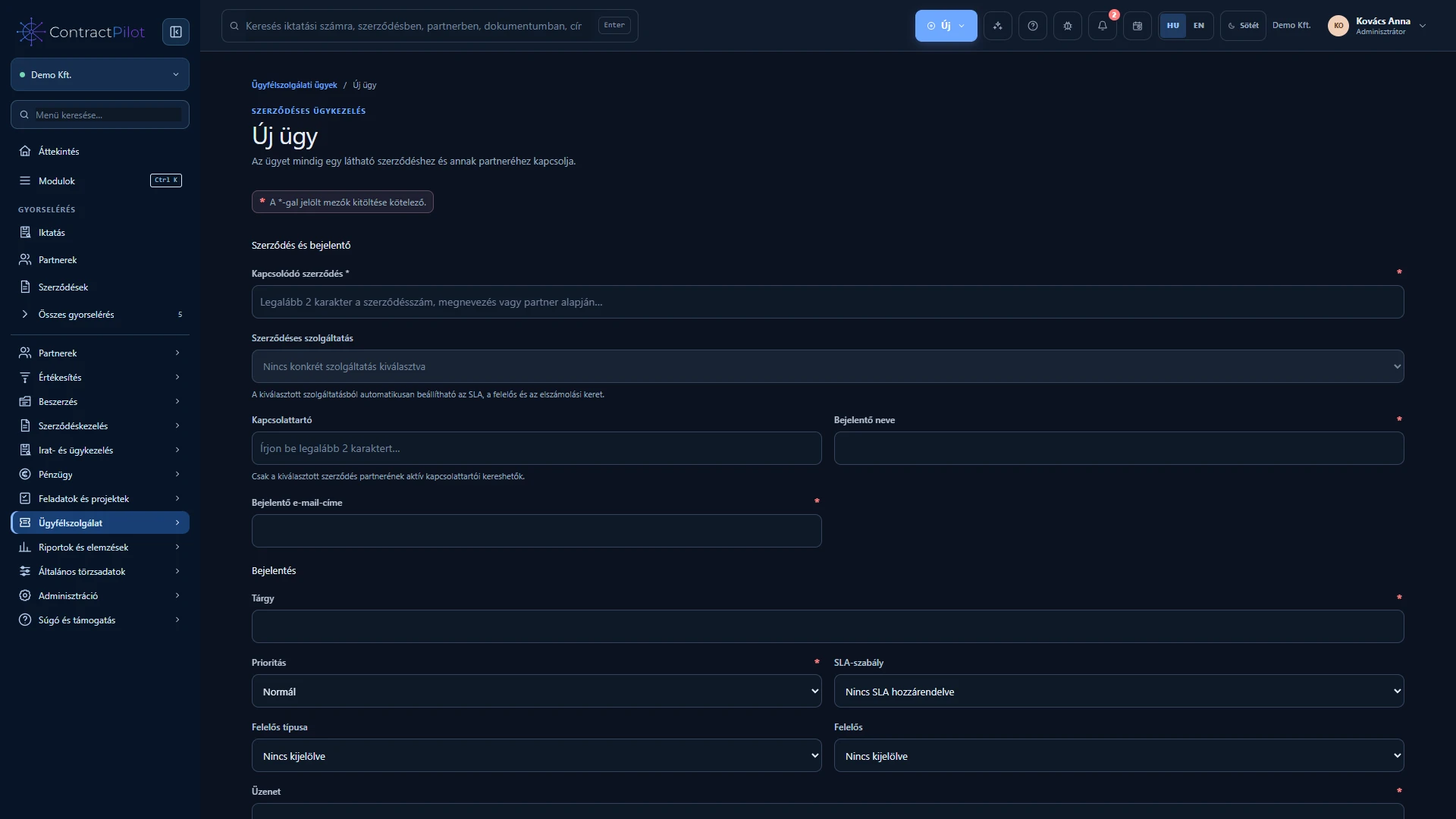
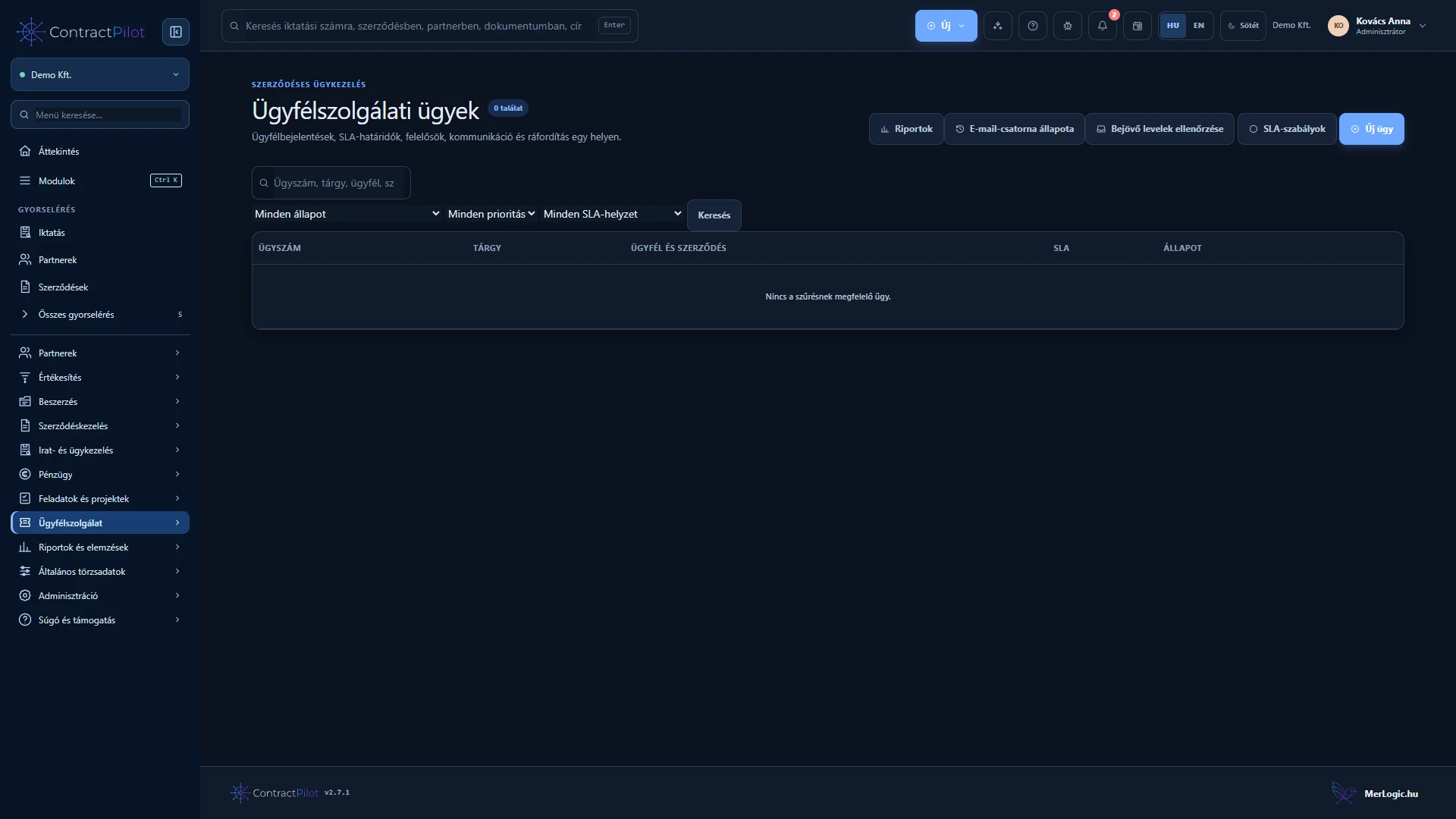
Each service case identifies its partner and contract. Handling the request, replying and recording effort stay in one process.
What can you do in this module?
- 01
Manual case creation and checked email intake, automatic references, status, priority and individual or group ownership.
- 02
Separate customer-facing messages and internal notes; internal communication stays off the customer portal.
- 03
Response and resolution commitments linked to contracts and service items, with traceable handovers and reopening.
- 04
Billable or non-billable work logs with time, activity type and a separate review status.
- 05
Authorised approval or explained rejection of work logs. Approved billable work can be transferred to performance once.
- 06
Resolution requires a customer message, visible delivery status and retry when needed. Automatic closure follows a review period.
Start a case against the right contract
Select the partner, contract and, where relevant, service line. Enter a subject, description, priority and owner. Response and resolution commitments are attached to the case. A configured shared mailbox can also create cases; uncertain assignment requires staff review.
What does the customer see?
Customer-facing replies and internal notes are separate. Keep internal discussions, effort records and private attachments out of public replies. Check outgoing delivery status and resolve any delivery failure.
Work performed and settlement
Record actual time, activity and whether it is billable. Work logs have a separate approval step. Transfer only approved billable work to performance; the same effort cannot be settled twice. Resolution, customer feedback and reopening remain in the case history.
Availability and operating conditions
Automatic email case creation requires an identified partner and an unambiguous service relationship. Uncertain requests require manual review. Automatic allowance and overage billing is not a fully completed capability.
Available functions depend on your organisation’s setup and your permissions.