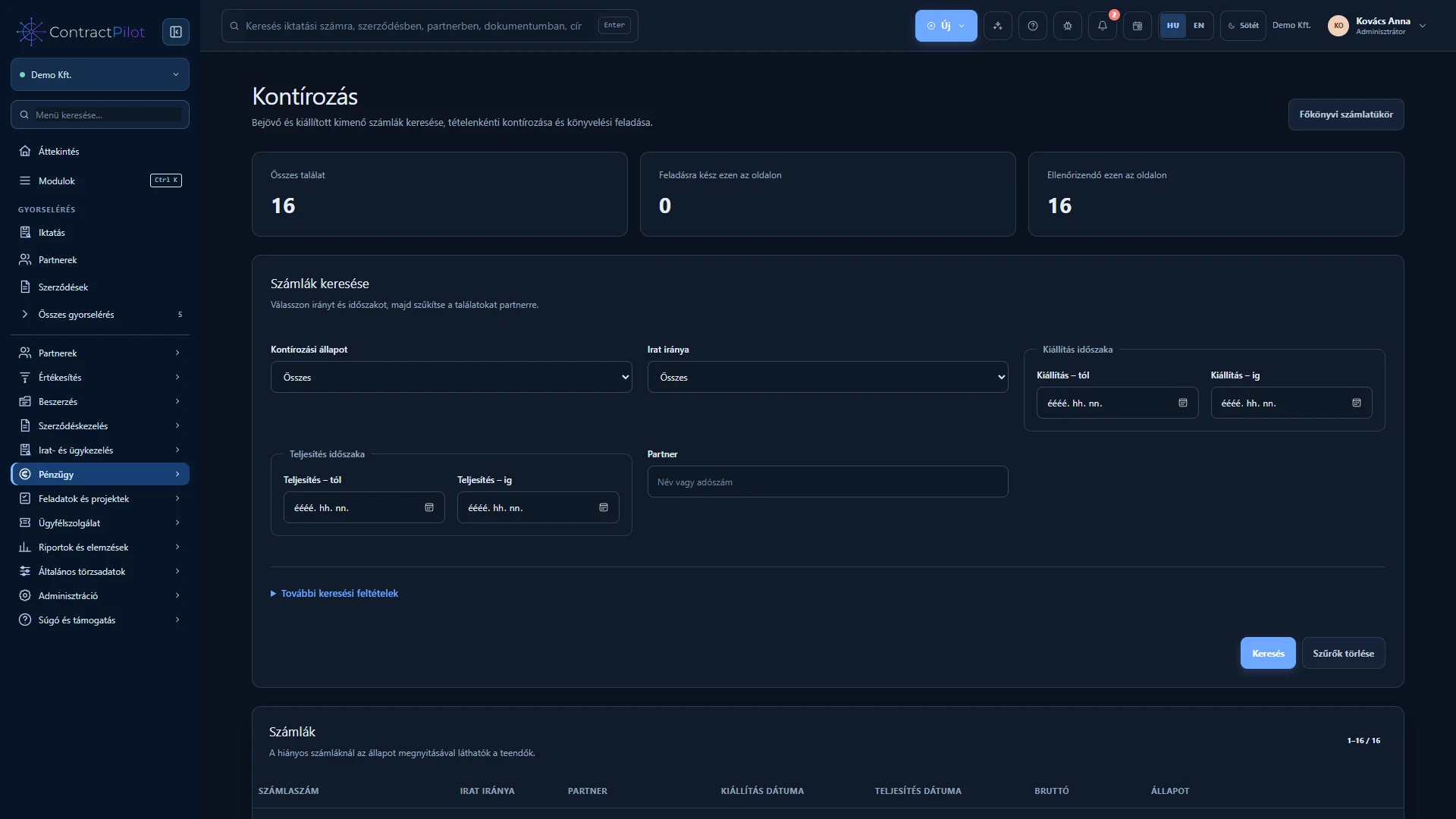
The finance worklist identifies invoice lines with missing accounting details. Line-level allocation helps prepare costs and revenue for accounting.
What can you do in this module?
- 01
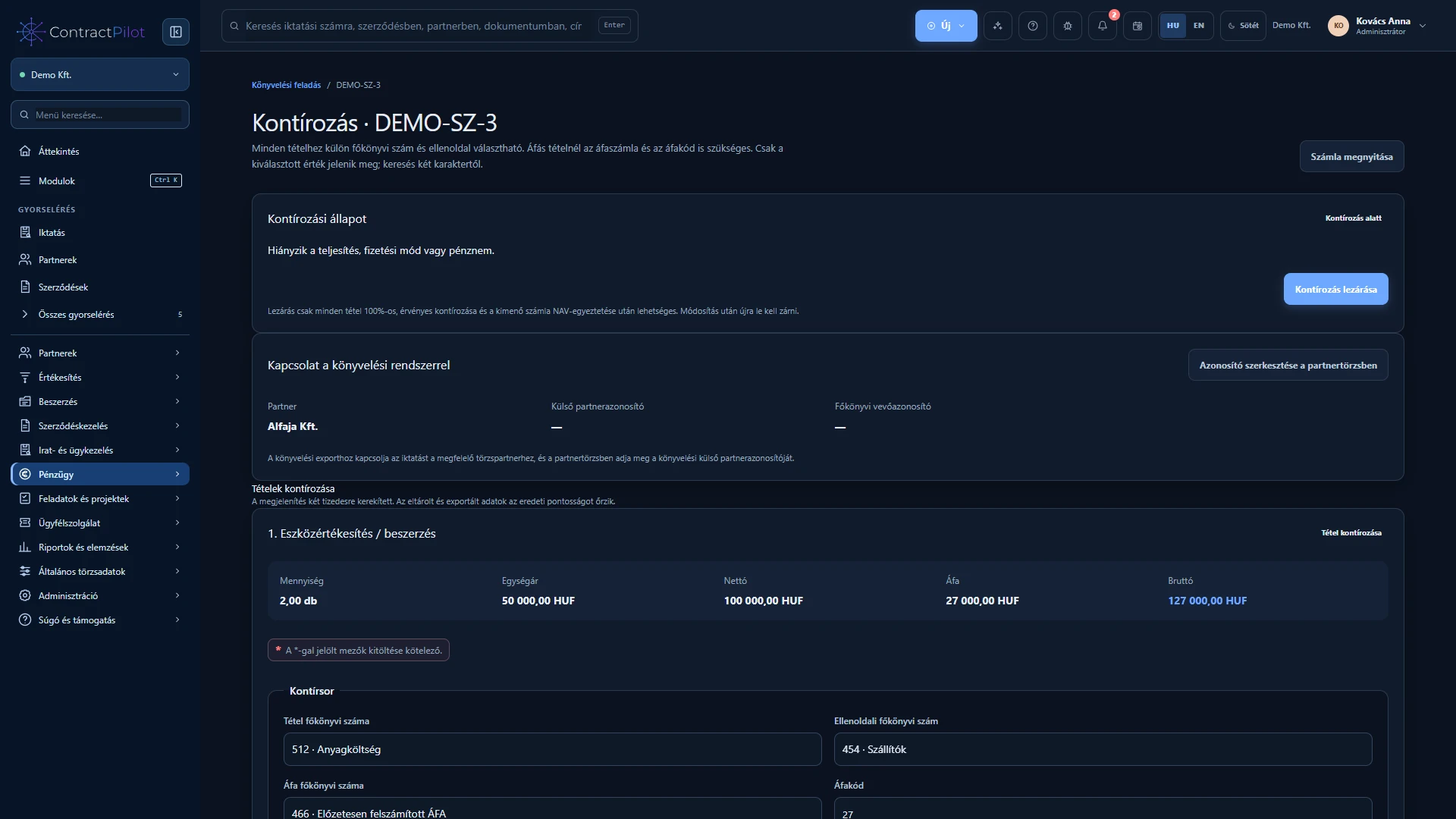
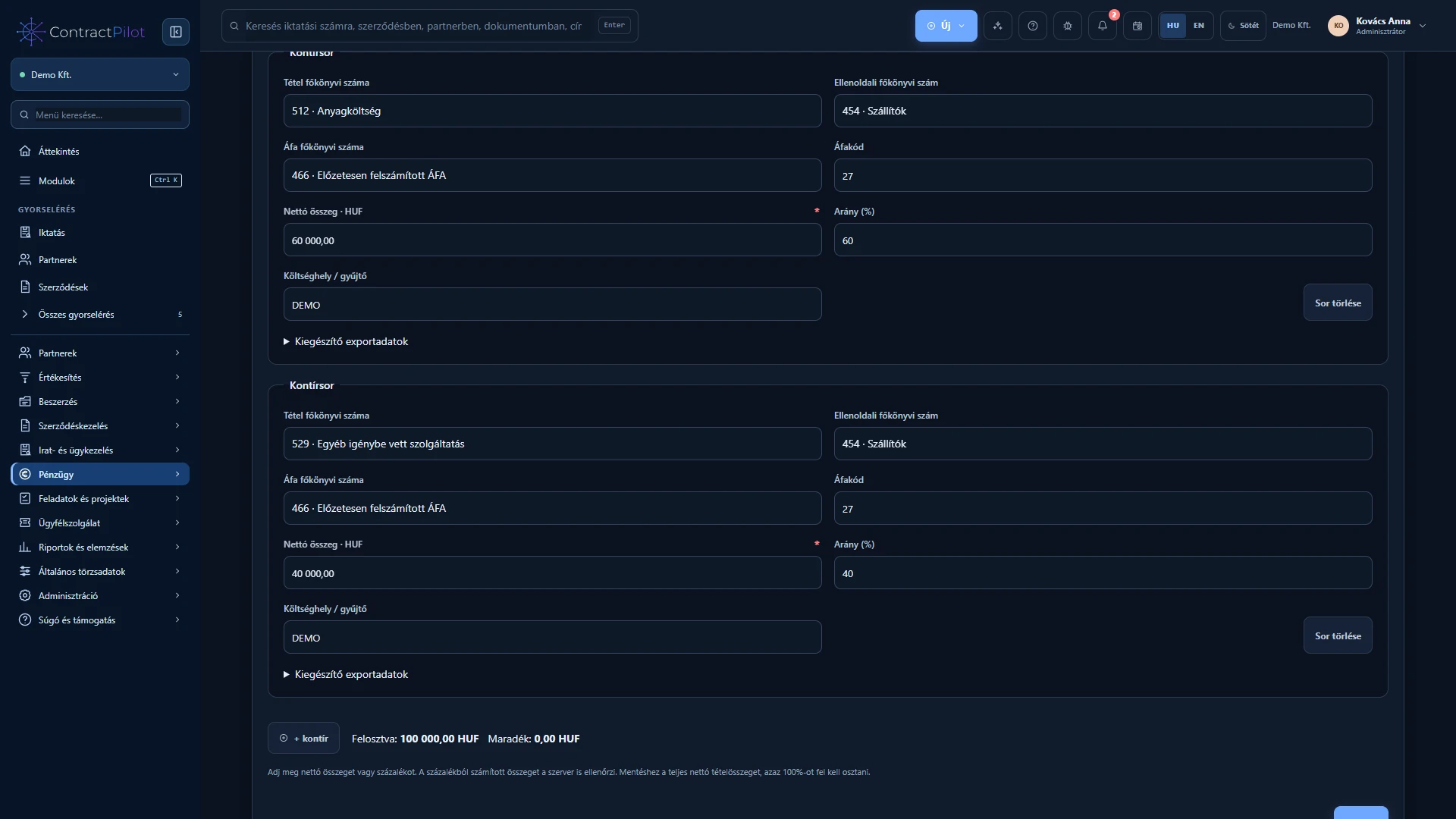
Split an invoice line across several ledger accounts.
- 02
Search the chart of accounts and preview imports.
- 03
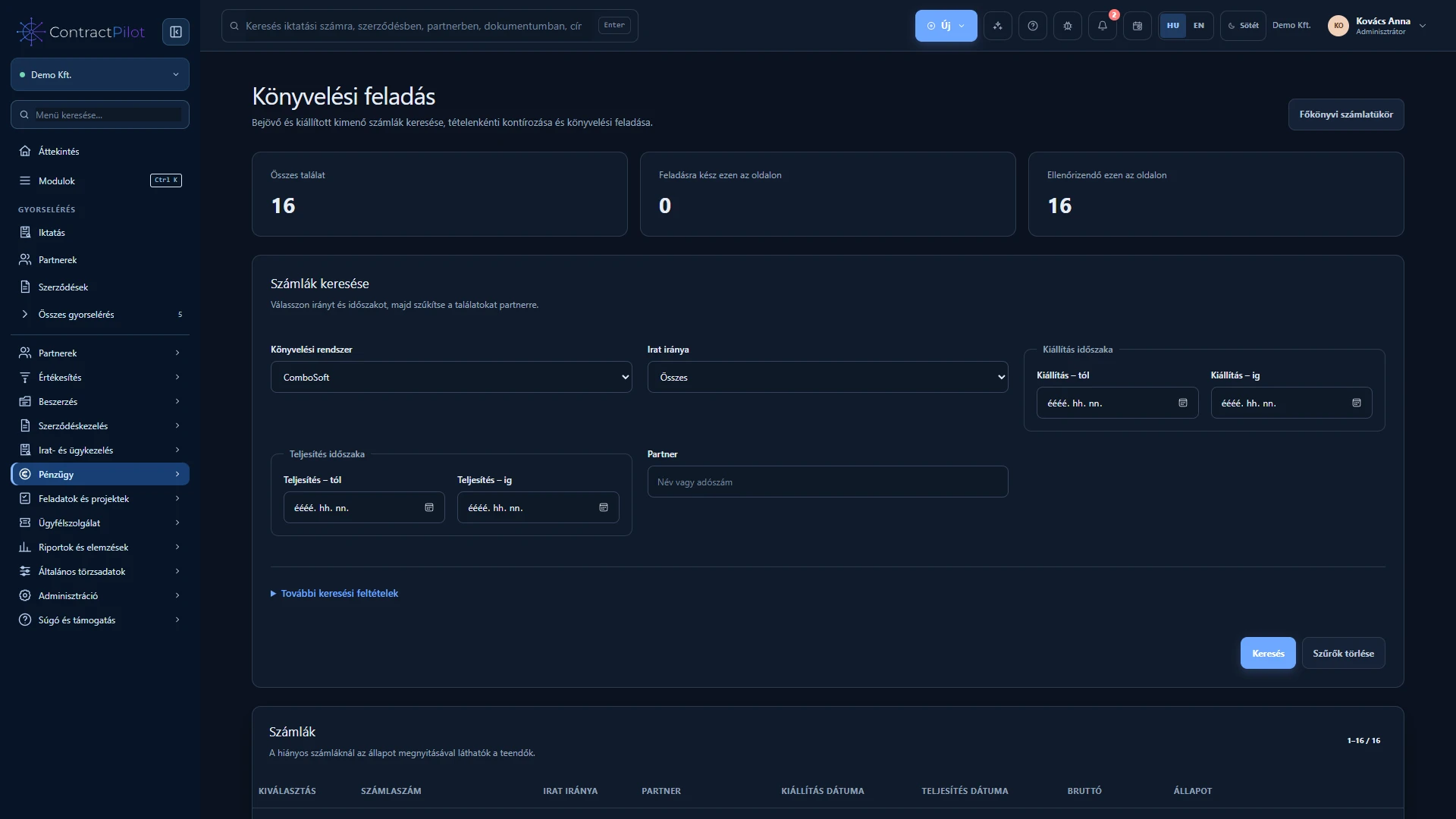
Filter accounting exports by incoming or outgoing direction.
Allocate each invoice line
Account allocation specifies which ledger accounts an invoice line belongs to. Split a line into several allocations using amounts or percentage assistance. The full line amount must be allocated and cannot be exceeded.
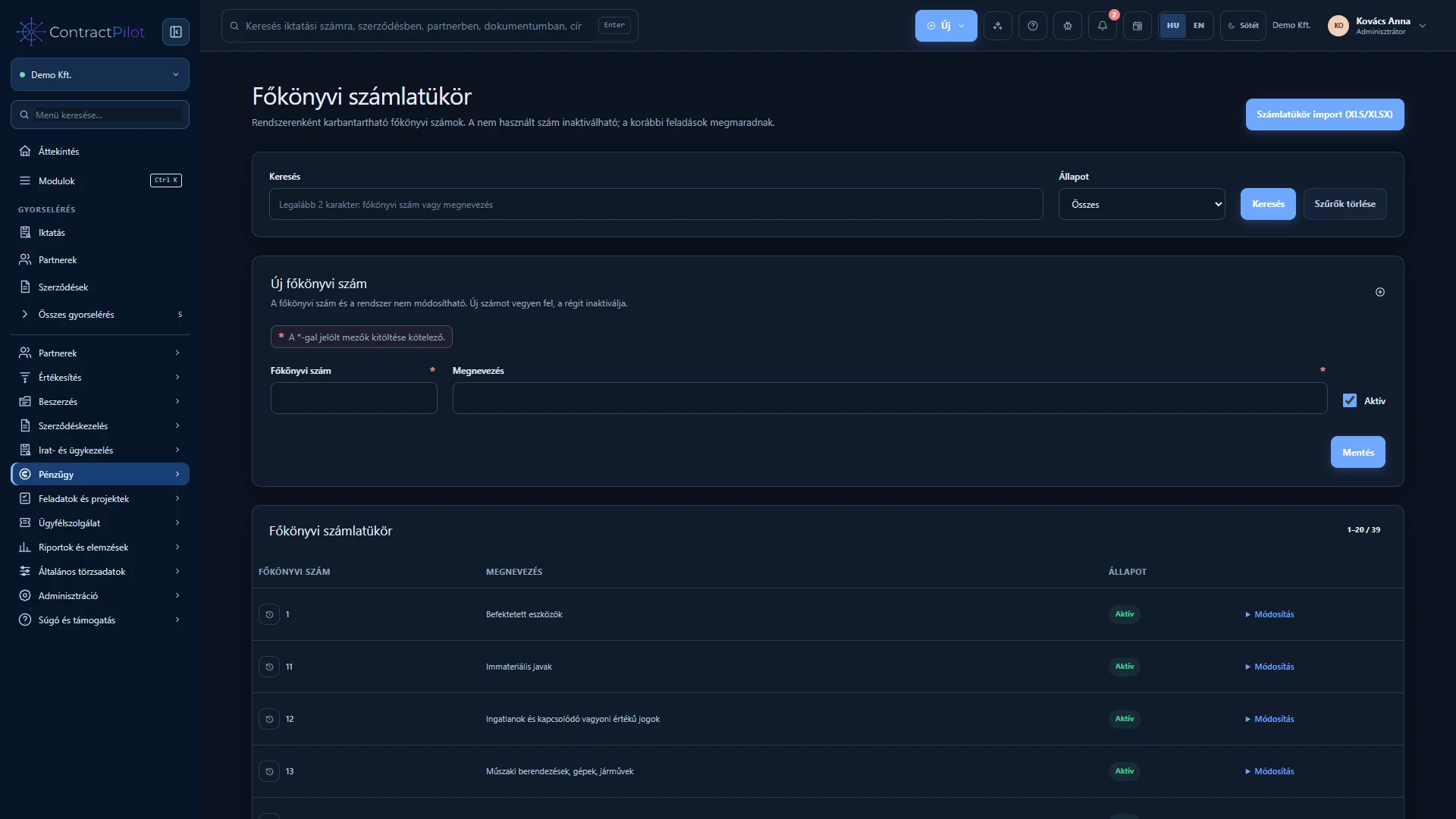
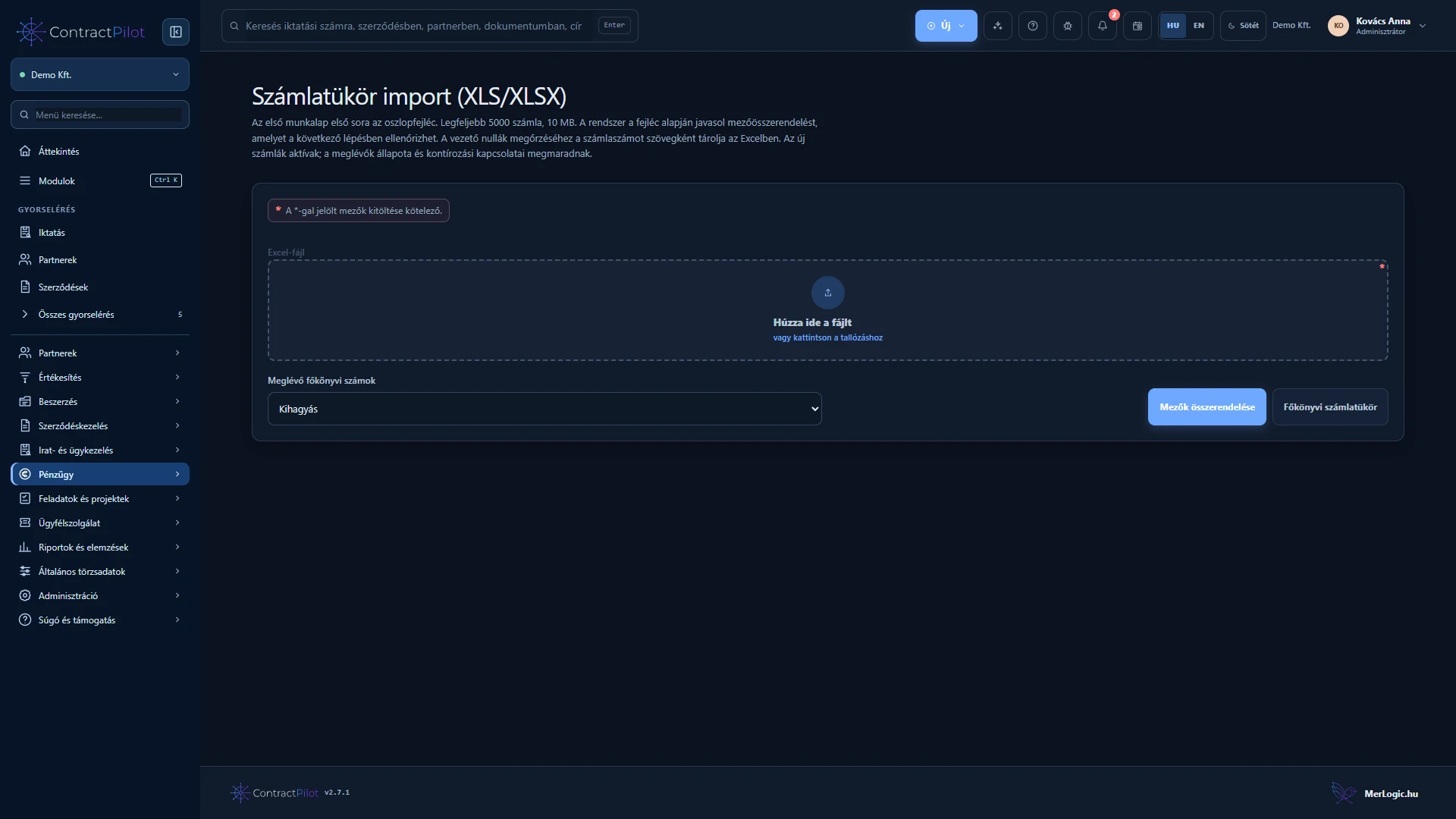
Search account numbers and names. Import the chart of accounts from XLS or XLSX with column mapping and a preview before saving. External accounting partner identifiers help match partners in the receiving system.
NAV data and incomplete lines
A configured NAV connection supports incoming and outgoing invoice data. An outgoing invoice issued through ContractPilot can enter the accounting register after appearing at NAV; this may take time.
The finance allocation worklist highlights missing details. Retrieving NAV data does not replace checking the invoice file, partner and line allocations.
Hand over to accounting
The searchable, paginated accounting export list can include incoming, outgoing or both invoice directions. Accounting export file and general CSV formats are available with UTF-8 or ISO-8859-2 encoding.
Agree the required format and identifiers with your accountant and perform a trial import. Creating an export file does not prove successful acceptance by the receiving accounting software.
Availability and operating conditions
NAV data needs a configured connection. Acceptance by the receiving accounting software requires a trial import. ContractPilot is not a complete accounting package and does not replace professional review.
Available functions depend on your organisation’s setup and your permissions.