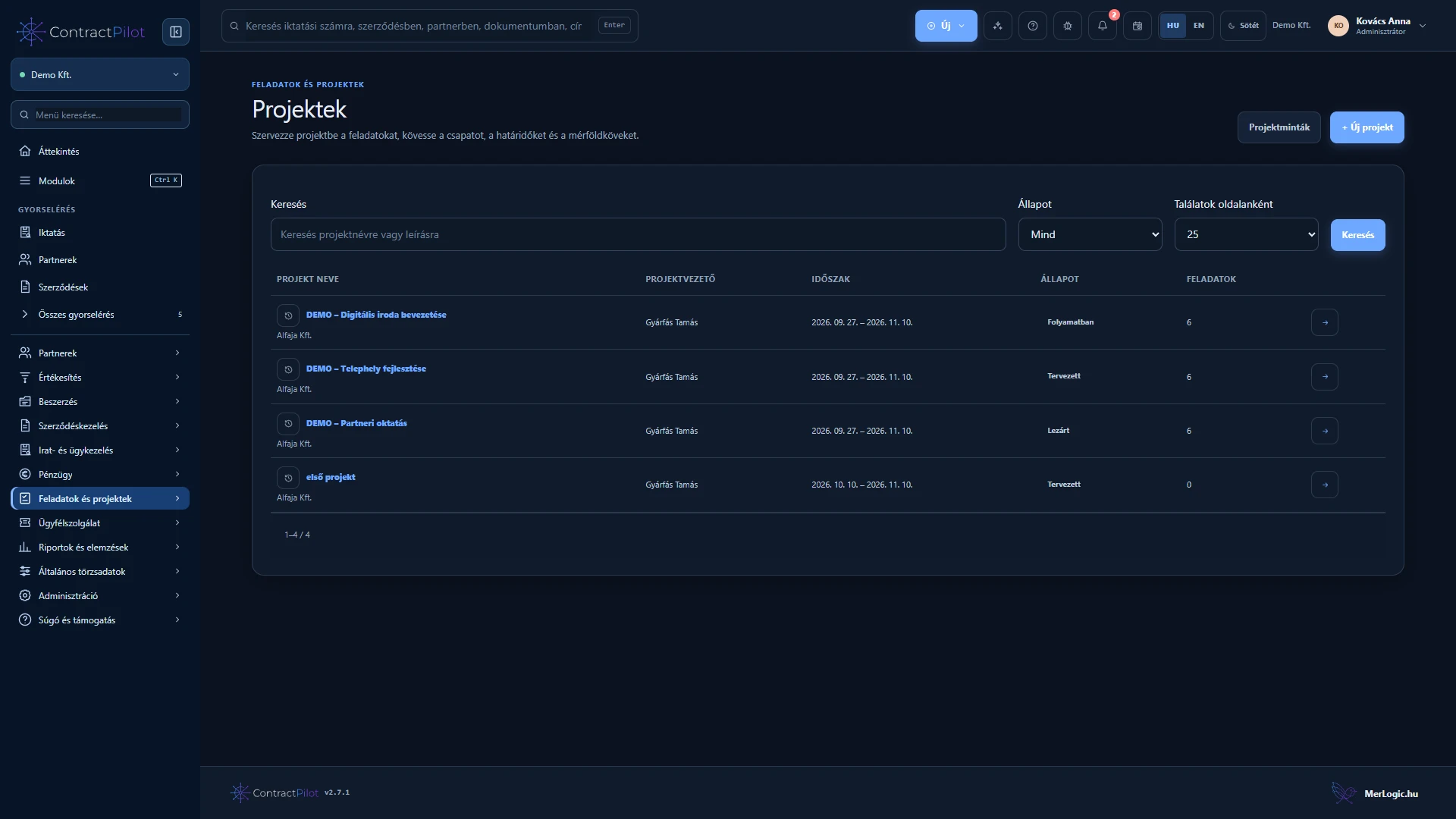
A project gives the team’s tasks and related business documents a shared context. Project views and personal worklists use the same task records.
What can you do in this module?
- 01
Leaders, teams, phases, milestones and dependencies.
- 02
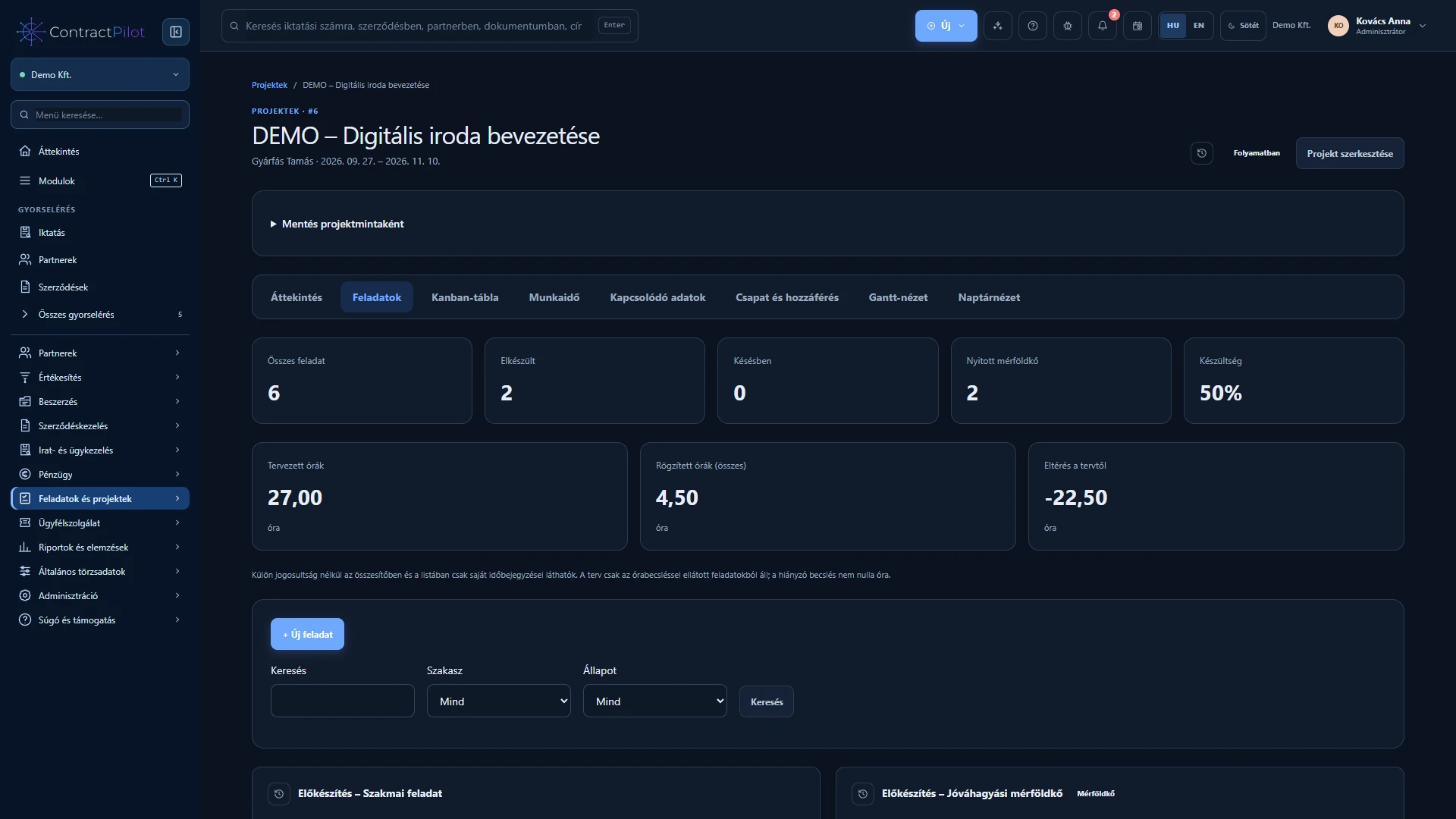
List, Kanban, Gantt and calendar views of the same work.
- 03
Hour estimates, daily time entries and permission-controlled Excel reports.
How is a project organised?
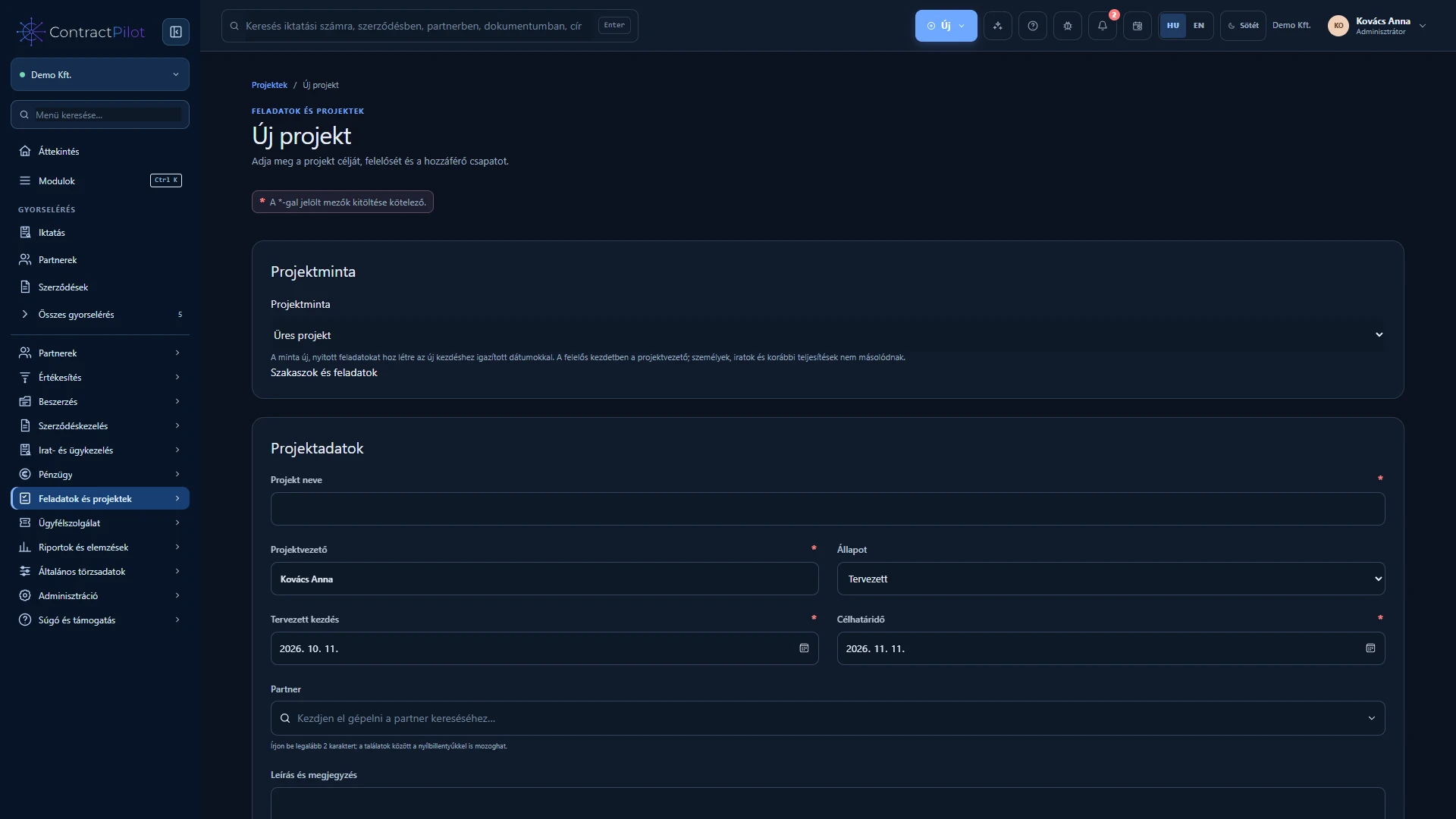
Name and describe the project, select its partner, leader and team, then set a planned start and target deadline. Add people and active access groups. Phases organise the main areas of work and milestones mark checkpoints.
Create tasks or attach an editable standalone manual task. Use subtasks and dependencies to show how work fits together. Linked contracts, registered records, case files and documents keep their own access rules.
Which view helps with daily work?
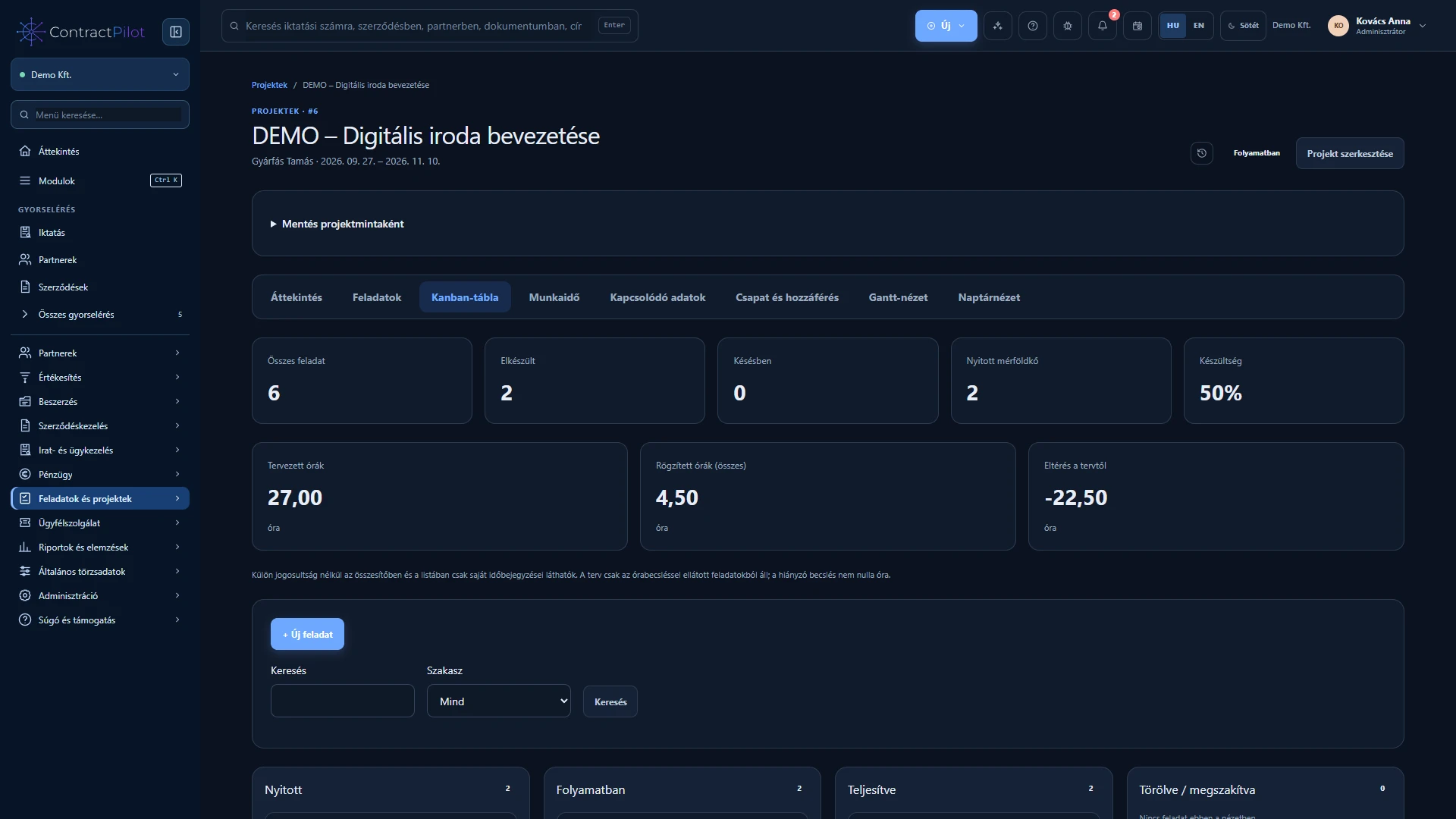
Use the list for details, Kanban for status, Gantt for scheduling and dependencies, and the calendar for deadlines. Change a Kanban card through its status selector. Personal and project views reference the same task, so changes apply to the same work.
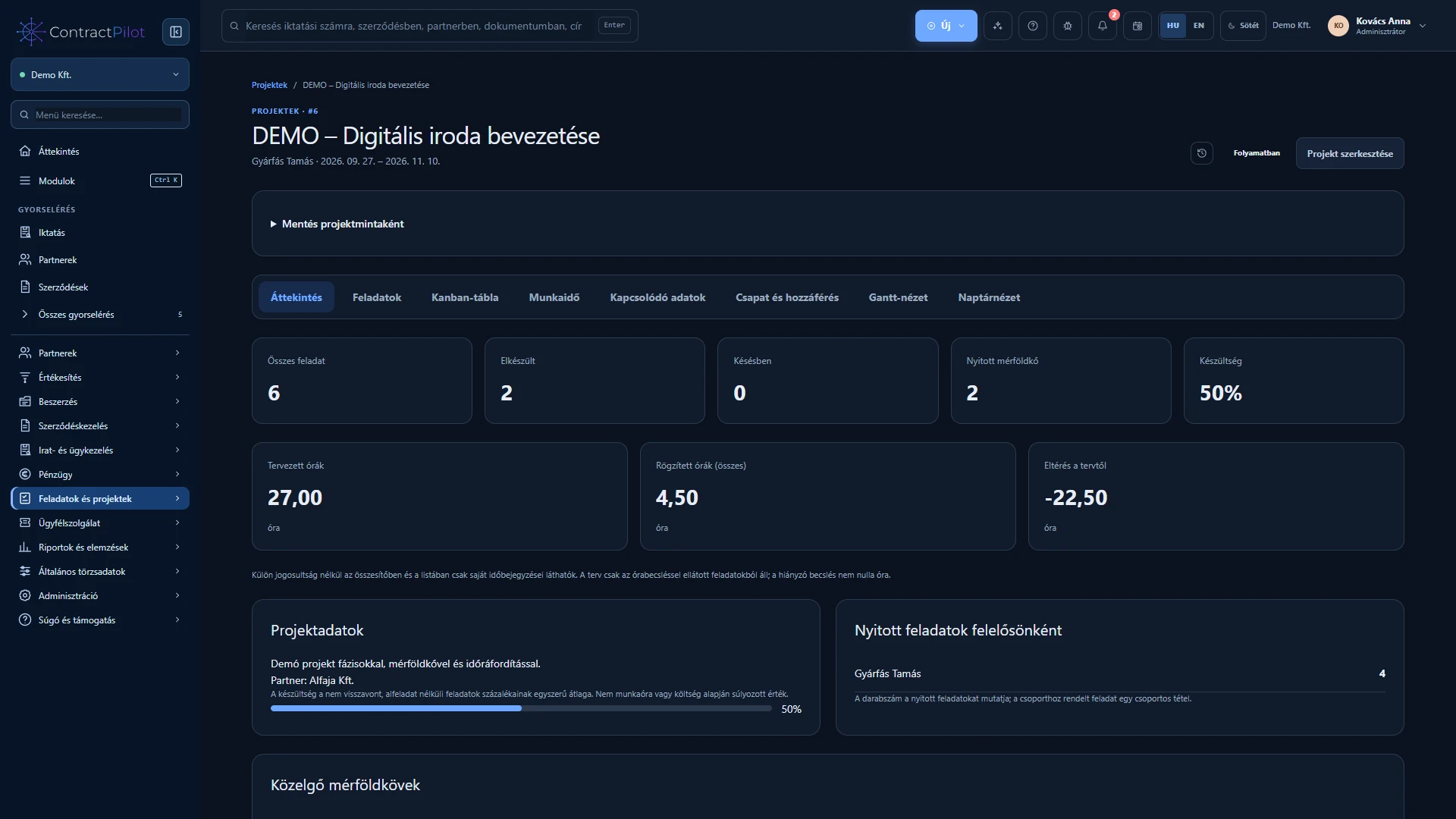
The overview shows progress, overdue tasks, open milestones and each owner’s task count. Task count is not capacity measured in hours. A project cannot be closed while work remains open.
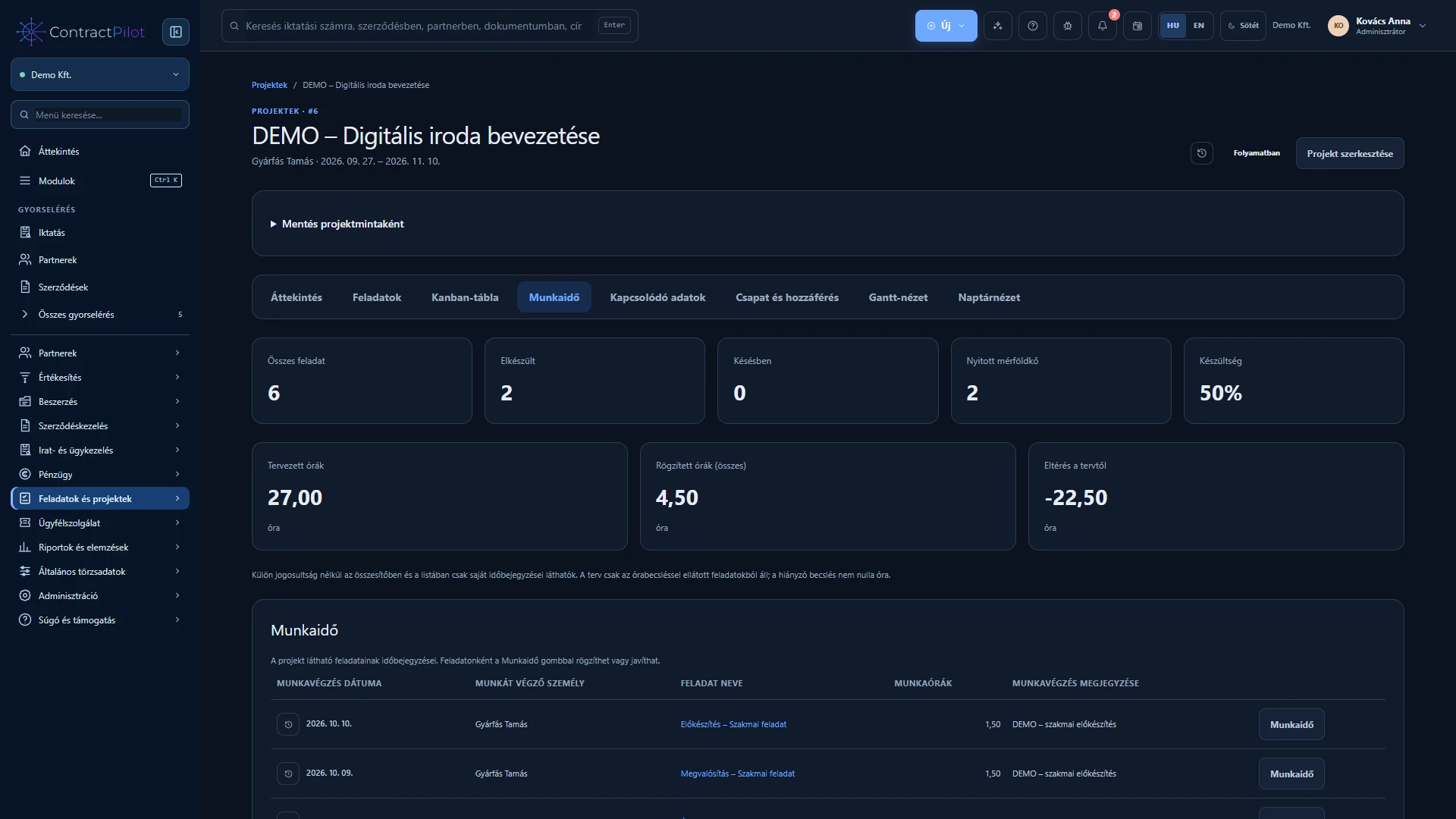
Planned and actual work time
Add an hour estimate to a task, then record actual work against a day with a work note. A missing estimate does not mean zero planned hours. Project time views and the Report centre help compare plans with actual effort.
You can see your own time; viewing or correcting other people’s entries requires separate permissions. Corrections and deletions keep reasons and history. Recording effort does not automatically invoice it.
Repeatable work from a project template
Save a developed project as a personal or organisation template. A new project receives phases, manual tasks and internal dependencies, with dates relative to its new start. Tasks are new and open; partners, teams and business documents are not copied.
Choose immediate, daily or disabled personal project notifications. Advance deadline warnings help preparation, and in-app notifications respect your access.
Availability and operating conditions
Team membership also requires appropriate project permissions. Kanban uses a status selector. Per-person capacity planning, project cost planning, card dragging and task comments are not available. Time tracking is not payroll, attendance management or automatic invoicing.
Available functions depend on your organisation’s setup and your permissions.