Follow an entire case’s documents and tasks with its own owner and deadline.
What can you do in this module?
- 01
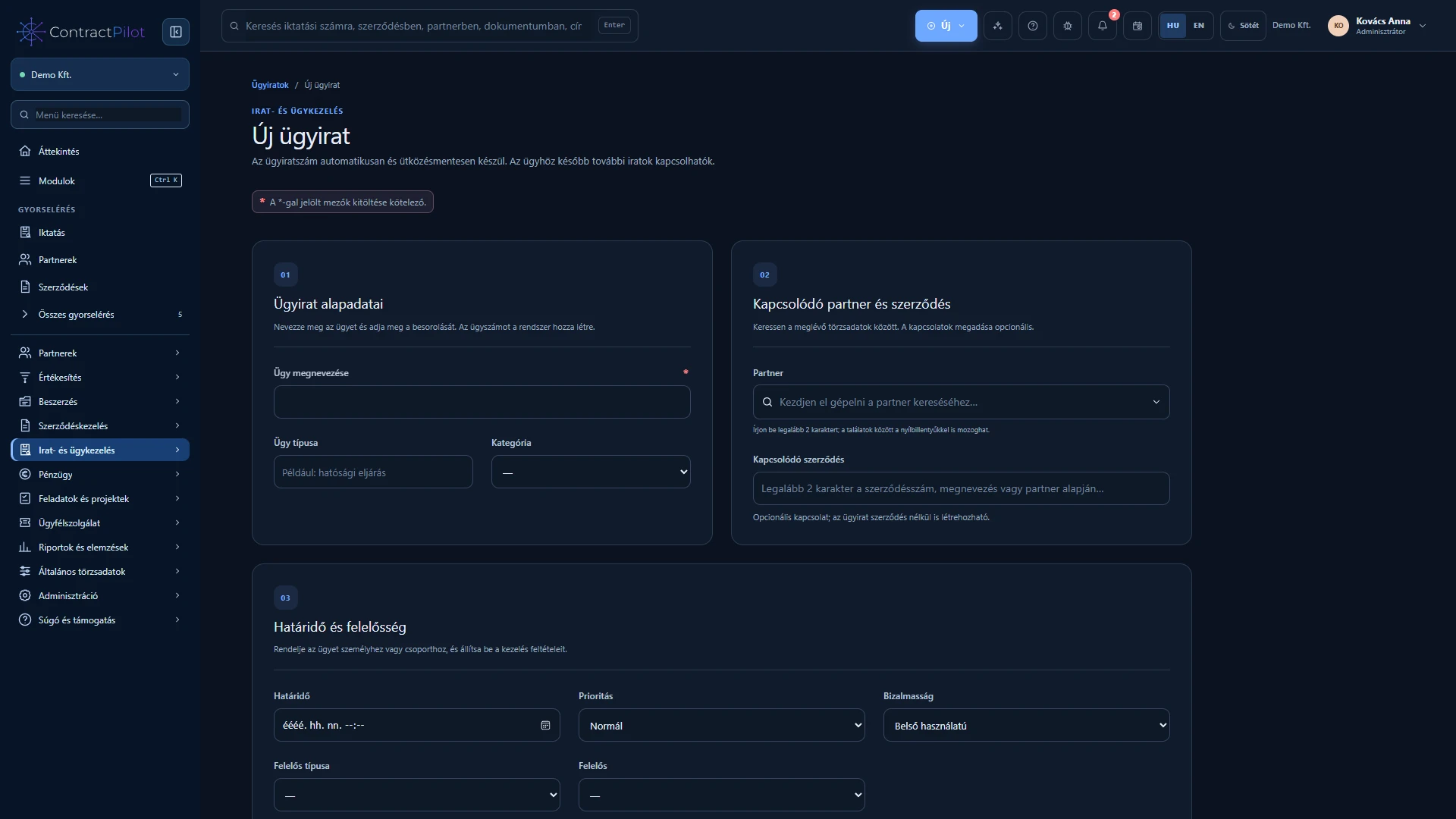
Start a case independently or from an existing registered document.
- 02
Automatic reference, type, partner, contract, category, owner, priority and deadline.
- 03
Attach existing records and register new documents directly from the case. Replies remain in the same case.
- 04
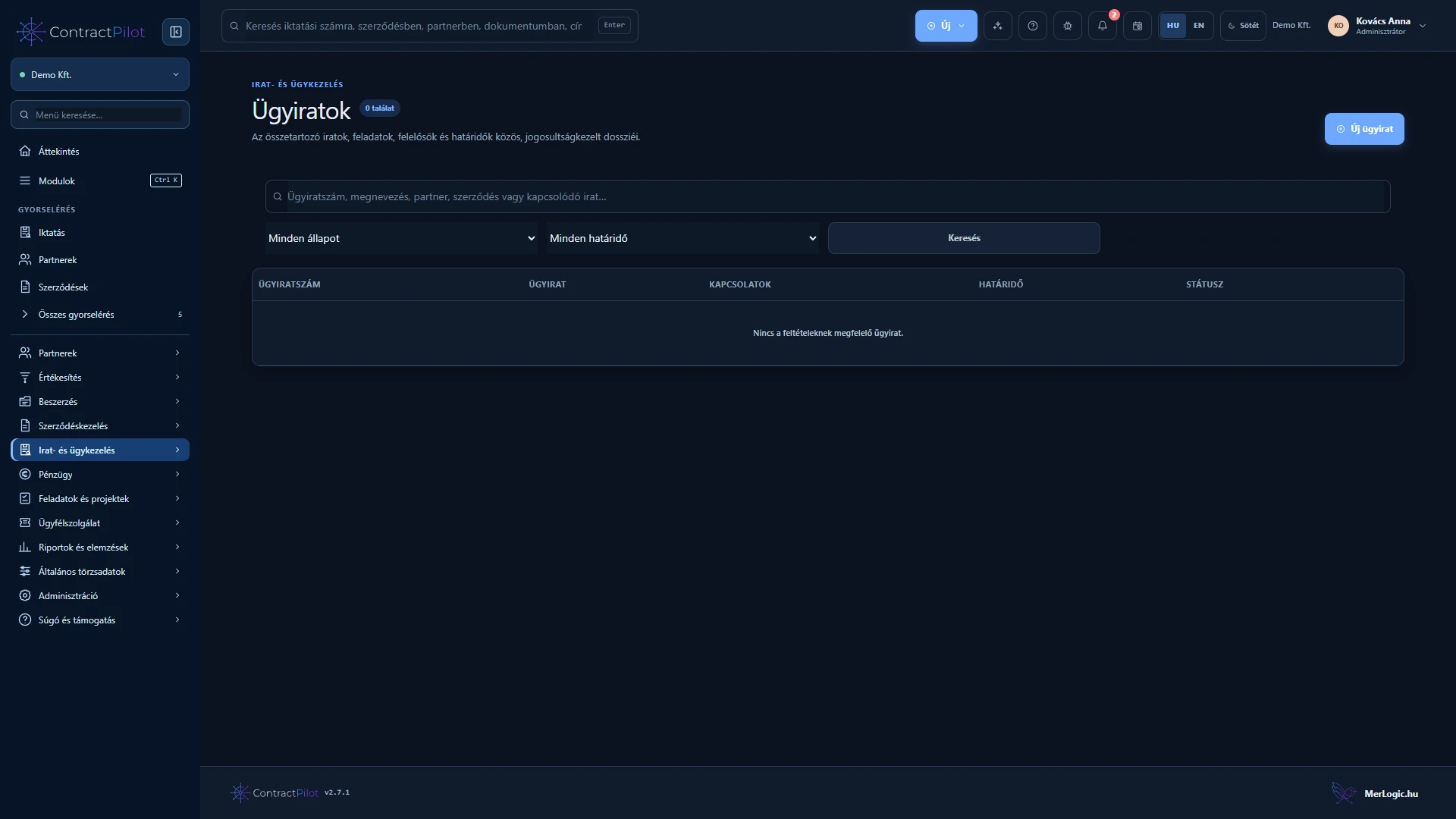
A timeline combines the records and tasks you are permitted to see.
- 05
New, in progress, waiting, awaiting closure, closed and reopened states. Open linked tasks prevent closure.
- 06
Restricted personal or group access, with a history of changes and document assignments.
Bring the records of a case together
A case file groups incoming and outgoing records concerning the same matter. Enter its subject, owner and status, then attach related records. Correspondence about a purchase, complaint or review remains together.
Closure and later retrieval
Check related records and actions before closure. Their relationship remains available for later searches. A case file organises records; a customer service case tracks replies, service commitments and work effort.
Availability and operating conditions
A case file groups documents and work. Customer service tickets are managed in the separate Customer service module.
Available functions depend on your organisation’s setup and your permissions.