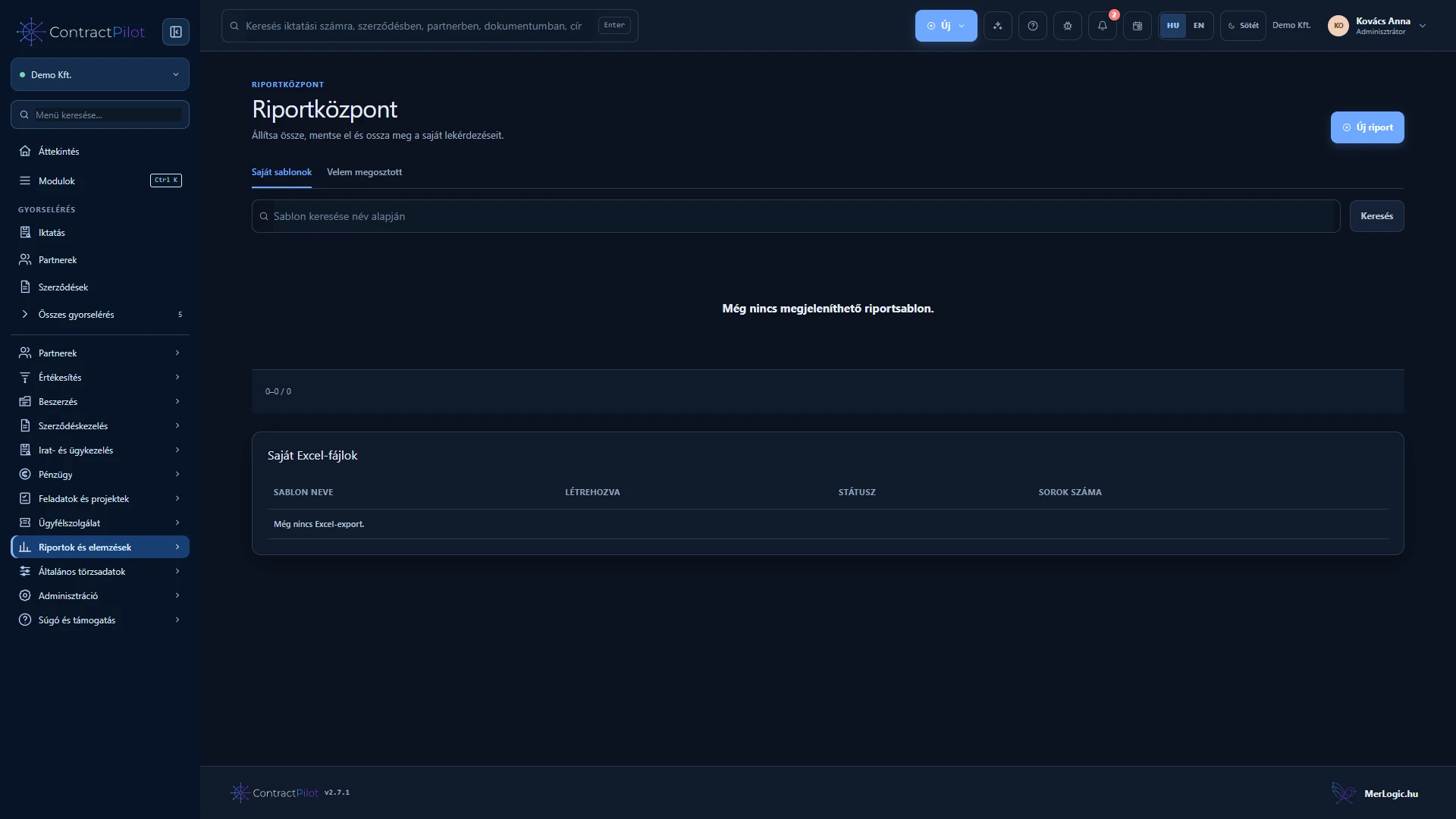
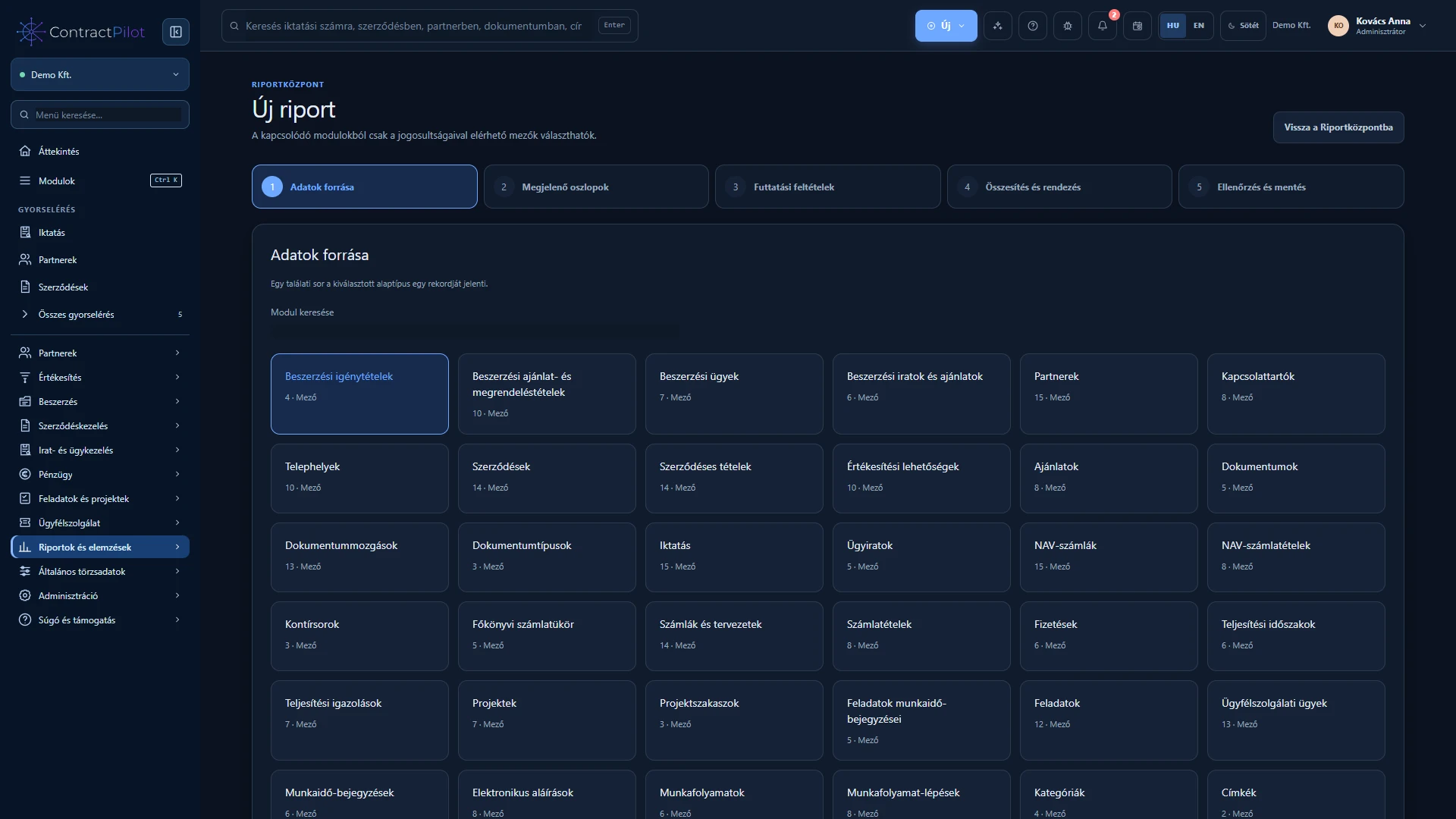
The five-step report wizard lets you choose the lists and summaries you need. Try a report without saving it, then reuse its structure with different search values.
What can you do in this module?
- 01
Selectable columns, AND/OR conditions, sorting and summaries.
- 02
A relationship map and independently summarised related lists.
- 03
Share templates with people and groups, with protected XLSX downloads.
Which questions can a report answer?
Find contracts with open tasks, hours recorded on a project or quotations received from suppliers. Available sources cover sales, contracts, records, finance, customer service, projects and itemised procurement according to your access.
Choose the base source first: it determines what one row represents. Add columns, conditions and sorting. The searchable column list can select all currently visible fields together, up to thirty columns.
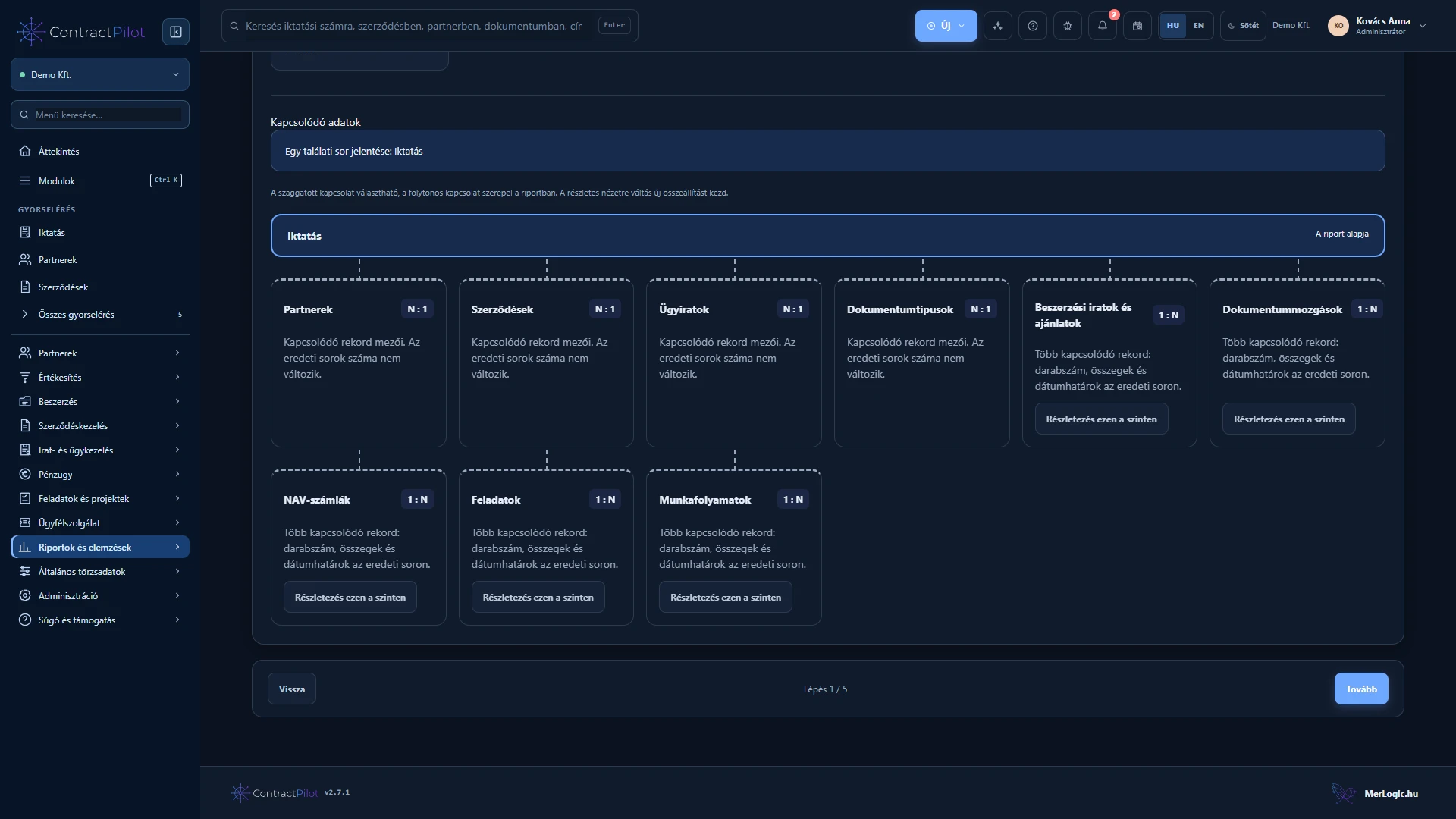
Connected data on a clear relationship map
Select available relationships on the map. A contract row can show its partner, related invoice count or summaries of accessible tasks. Each related list is summarised independently, so invoices and tasks do not multiply each other’s figures.
For line-level detail, select a detailed base source such as invoice lines. This starts a new report structure. Related-list summaries cover all accessible related records, rather than a separately filtered subset.
Money is kept separate by currency, without automatic conversion. Mixed or missing currencies are flagged instead of being added into a misleading related total. Hidden records contribute neither to counts nor sums.
Running and reusing a template
AND conditions must all match; OR conditions need one alternative. Fill every value in a used AND group; one completed alternative is sufficient in an OR group. An entirely empty search cannot run.
A template saves columns, relationships and condition structure, not the actual search values. Enter the period or partner again when running it, so the same structure can answer different business questions.
Sharing without expanding data access
Share a template with multiple people and active access groups in one save, optionally allowing editing. Sharing can be revoked. Each recipient runs the report with their current permissions, so the same template can return different results for different colleagues.
Excel export and protected downloads
Export results to a real XLSX file with up to fifty thousand base records. Track the background export status; dates and numbers retain the appropriate Excel types.
The private download lasts twenty-four hours and belongs to the requesting user. Access is checked again at download; changed permissions or accessible results require a fresh export.
Availability and operating conditions
Report permissions do not replace access to source modules and individual records. Sharing grants no additional data access. Only offered business relationships are supported; arbitrary database queries and full reporting of dynamic custom contract fields are not available.
Available functions depend on your organisation’s setup and your permissions.