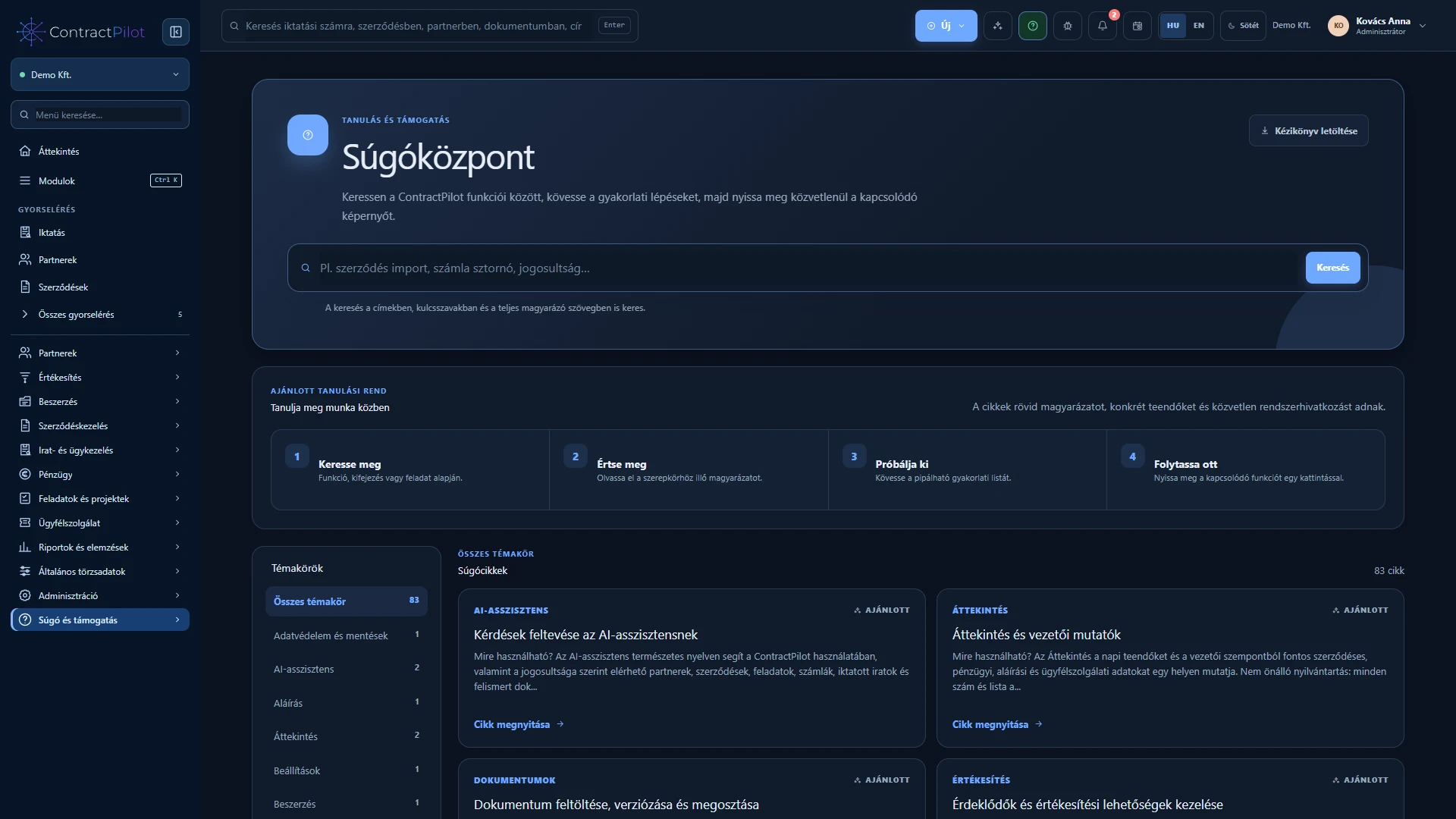
Help starts with everyday tasks and explains the data, steps and permissions required to complete them.
What can you do in this module?
- 01
Search titles, keywords and full content, with topic filters.
- 02
Purpose, access requirements, required and conditional fields, and step-by-step instructions.
- 03
Additional options, practical tips, common errors and solutions.
- 04
Clickable related features and direct links to the appropriate application screen.
- 05
Locally remembered learning checklists and a Partner → Contract → Performance → Invoice learning path.
- 06
Printable PDF manuals from a topic or search results, respecting access permissions.
Step-by-step task guides
Built-in Hungarian and English help starts with the task: what you want to do, where the action is and what to check afterwards. Search and topic filters help locate the guide. Available actions also depend on your permissions.
Checklists for less frequent tasks
A PDF checklist can support execution. If a documented action produces an error, describe it through the application’s product-support form. If the business decision is unclear, contact the responsible person in your organisation.
Availability and operating conditions
Help search does not require an AI request. User manuals exclude internal development and operational instructions.
Available functions depend on your organisation’s setup and your permissions.