Versioned PDF or Word proposals, expiring customer links, delivery tracking and recorded acceptance or rejection.
What can you do in this module?
- 01
Upload and preserve the sent version
- 02
Delivery and recipient verification
- 03
What happens when the customer decides?
- 04
How can you review proposal progress?
Upload and preserve the sent version
In an opportunity’s Proposals section, enter the title, amount, currency, validity and description. Upload a PDF or DOCX file and wait for checks and processing to finish. A revision creates a new version while preserving earlier files.
The recipient sees the version fixed at the time of sharing. Uploading another file does not silently replace an already sent proposal. Explain the change in the version note.
Delivery and recipient verification
A link belongs to a recipient, expires within 90 days and can be revoked. For sensitive proposals, enable a six-digit, single-use code sent to the recipient’s email address.
Connect your own Gmail, Microsoft 365 or SMTP mailbox in your account settings. This is your personal outbound connection. Without it, you can copy and send the protected link yourself. Delivery status is visible; an email being opened is not the same as the proposal being viewed.
What happens when the customer decides?
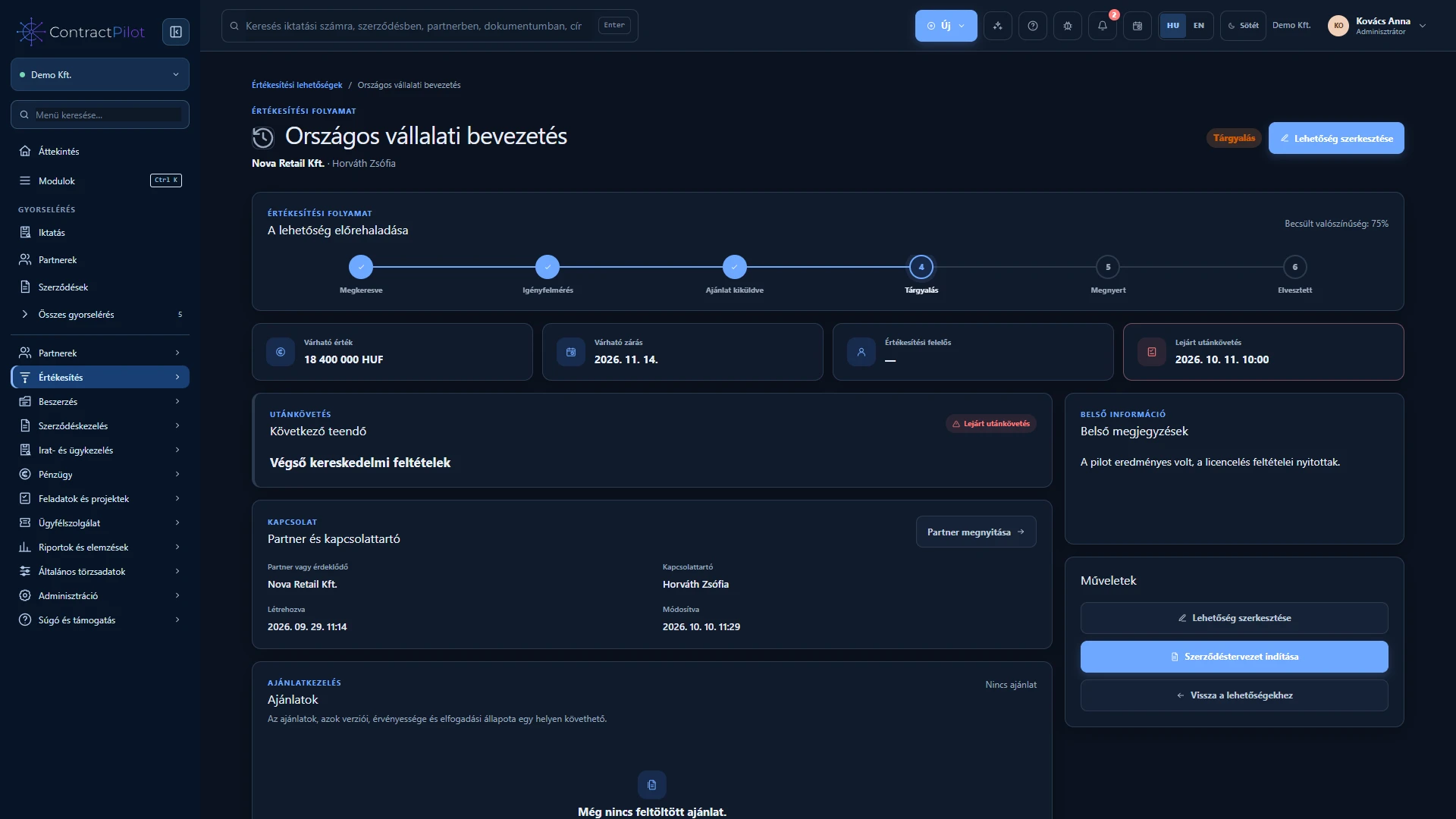
Acceptance requires a name and explicit confirmation; rejection requires a reason. The time, decision-maker and comment are retained. With multiple recipients, the first final decision stands and the remaining active links are revoked. Another recipient or a manual status change cannot overwrite it.
Acceptance marks the opportunity Won. In the documented workflow, rejection creates a follow-up task for the next day. New commercial terms require a new proposal version and decision round. Accepting a proposal is separate from electronically signing the contract.
How can you review proposal progress?
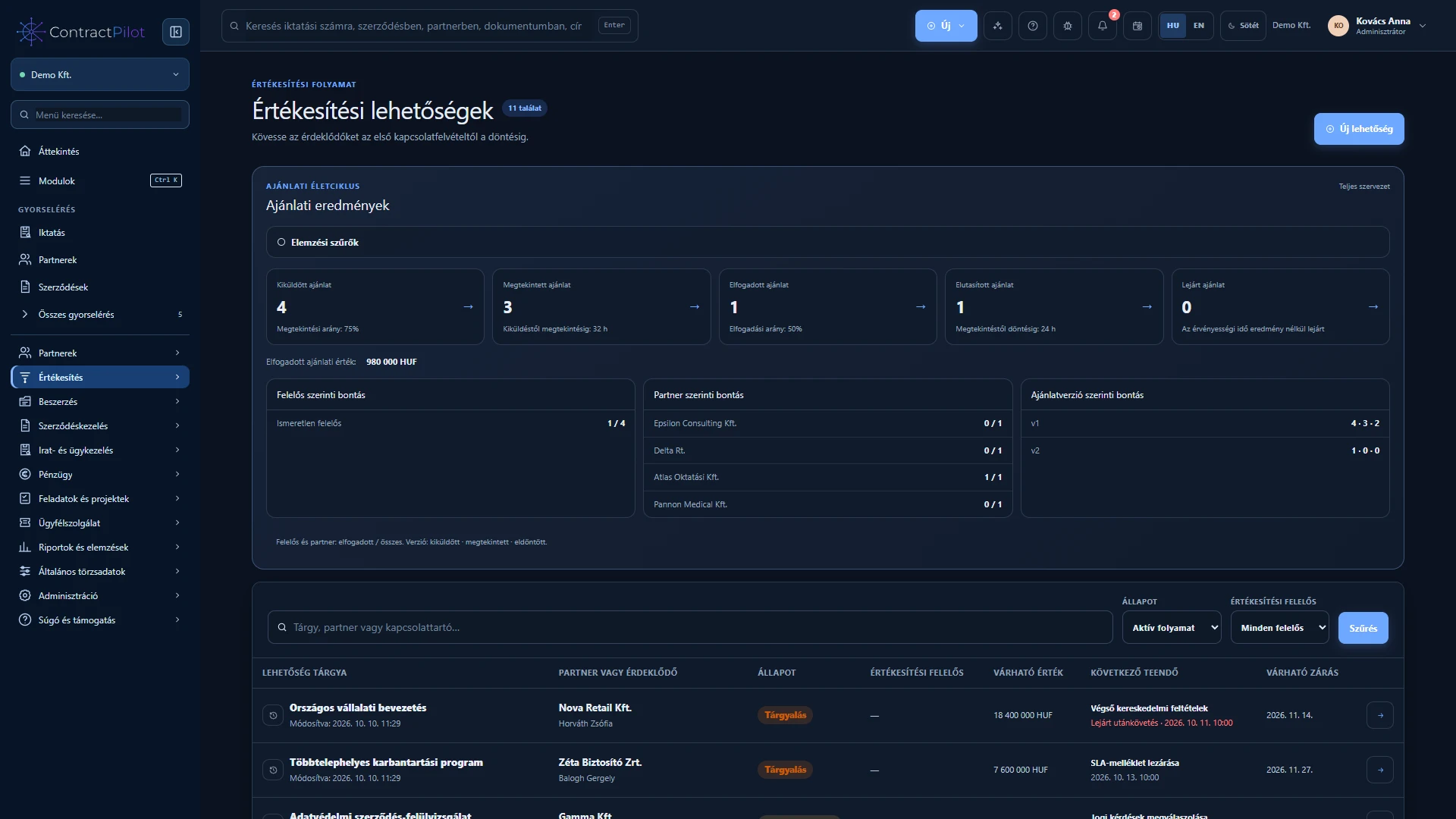
Sent, viewed, accepted, rejected and expired indicators open searchable lists. Filter by owner, partner, period and version, or by value range when your permissions allow it. Review time to first view and time to decision. Notifications can appear in the application, through permitted browser notifications and, when configured, by email.
Availability and operating conditions
The system manages uploaded proposal files. Automatic proposal generation, a Canva connection, internal proposal approval and comparison of commercial changes are not available features.
Available functions depend on your organisation’s setup and your permissions.